Best CRMs for Cleaning, Landscaping, and HVAC
Oct 2, 2025

Running a cleaning, landscaping, or HVAC business is complex, with challenges like managing customer data, scheduling, and ensuring field teams deliver great service. Without the right tools, inefficiencies can lead to missed opportunities and lost revenue. A CRM (Customer Relationship Management) system can solve these problems by organizing data, automating tasks, and streamlining operations.
Key Takeaways:
CRMs can increase sales by 29% and lead conversions by 300%.
They centralize customer data, improve scheduling, and enhance field team efficiency.
Top options includeJobber, Housecall Pro, and ServiceTitan, each catering to different business sizes and needs.
Quick Overview:
Jobber: Best for small to medium-sized teams with features like client profiles, scheduling, and invoicing. Starts at $39/month.
Housecall Pro: Mobile-focused, ideal for teams on the move. Starts at $59/month (billed annually).
ServiceTitan: Advanced tools for larger HVAC businesses. Custom pricing.
Choosing the right CRM depends on your business size, industry-specific needs, and budget. Look for features like mobile access, automation, and integration with existing tools to streamline your workflow and grow your business.
Key CRM Features for Local Service Businesses
For businesses like cleaning services, landscaping, or HVAC, having a CRM tailored to their unique needs can make a world of difference. Over 45% of CRM users rely on these tools for automation and contact management. Even more compelling, industry-specific CRMs can lead to a 300% boost in lead conversion and a 47% increase in customer retention and satisfaction.
Customer and Job Management
A good CRM should act as the backbone of your operations, centralizing all customer interactions and job details in one place. Imagine having contact information, communication history, service records, equipment details, and even customer preferences at your fingertips - no more jumping between systems during a customer call.
Managing leads and tracking them through the sales pipeline is another essential feature. This ensures you’re focusing on the most promising opportunities. For HVAC businesses, in particular, asset and equipment tracking is a game-changer. A reliable CRM helps you maintain detailed maintenance histories, track equipment age, and manage inventory. This proactive approach allows you to recommend services before minor issues turn into costly problems.
Additionally, tools for creating quotes, proposals, and managing contracts are indispensable. These features let you produce professional estimates with customizable templates and pricing models, often using "Good, Better, Best" proposals to encourage upselling. Some systems even include financing options. On top of that, managing service agreements and maintenance contracts becomes a breeze, with tools to handle contract-specific pricing, set service schedules, and monitor performance - all ensuring a steady revenue flow.
These features also set the stage for smoother scheduling and dispatch.
Scheduling and Dispatch Tools
Efficient scheduling and dispatch are at the heart of streamlined operations. Modern tools offer real-time insights into technician availability, skill sets, and proximity to job sites. By 2025, more than two-thirds of field service tasks will be scheduled using machine learning algorithms, a massive jump from just 25% in 2020 [4].
The benefits are clear: companies using field service management software report a 31% rise in first-time fix rates, a 32% increase in mobile worker productivity, and a 26% reduction in unnecessary truck rolls [5]. Interactive scheduling boards, often featuring map views, allow dispatchers to visualize appointments, track resources, and manage work orders seamlessly. These tools are also invaluable for managing technician absences and assigning jobs based on skill and availability. Plus, self-service scheduling options for customers reduce admin workload while improving customer satisfaction.
"It handles scheduling, dispatch, service history, and even recurring maintenance in one place. Still figuring out some of the deeper customization features, but so far it's helped reduce double-entry and made communication between the office and field techs smoother." - Adventurous_Persik, Operations Manager, HVAC company [6]
Mobile Access for Field Teams
Field technicians need quick, on-the-go access to vital information. Mobile apps connected to your CRM should allow them to view job details, check customer history, and review equipment specifications - all in real time. Features like maintenance checklists, photo and video uploads, and detailed notes help technicians document repairs and identify additional opportunities.
Ease of use is critical. Updating job statuses should take just a few taps, and the app’s interface must function smoothly, whether technicians are wearing gloves or working in bright sunlight. Real-time updates, along with the ability to send photos and digital invoices from the field, enhance overall efficiency.
On-the-spot invoicing and payment processing are another bonus. A well-integrated CRM lets technicians handle payments right at the job site, speeding up cash flow and cutting down on back-office administrative tasks. This not only saves time but also ensures a seamless customer experience.
Cohesive AI: AI-Powered Lead Generation for Local Services
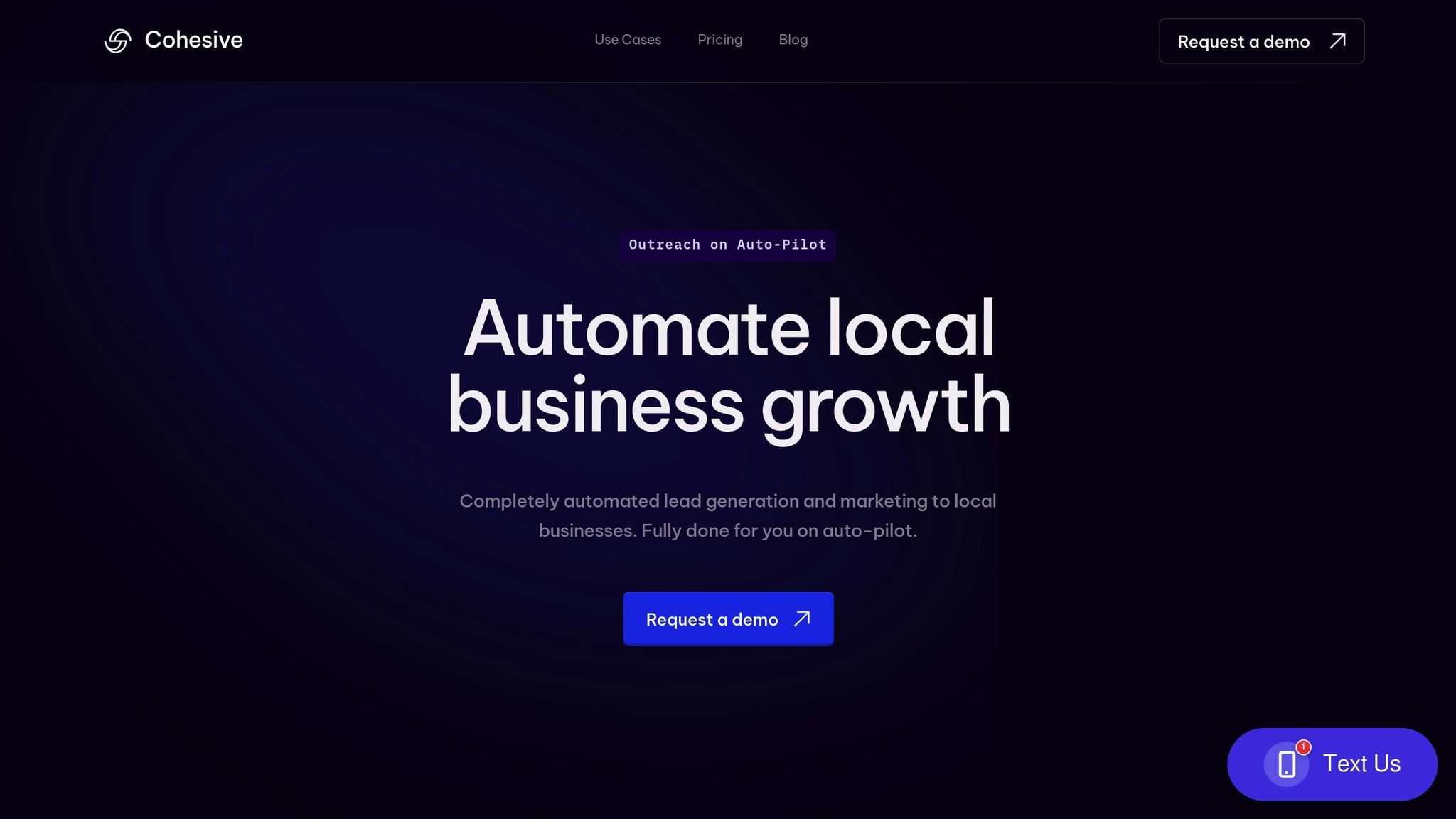
CRMs are great for keeping track of existing customers and streamlining operations, but for businesses like cleaning, landscaping, and HVAC services, the real struggle often happens before customers even make it into the system: finding quality leads. Traditional methods like cold calling, knocking on doors, or hiring pricey marketing agencies can eat up time and money without always delivering results.
Cohesive AI steps in to solve this problem, targeting blue-collar businesses specifically. Currently, over 350 commercial cleaning, landscaping, and pest control business owners rely on the platform to drive growth [7]. By focusing on smarter lead generation, it’s helping these businesses build a steady stream of potential clients.
"Cohesive helps service business owners take control of their own destiny - our agentic CRM fully manages growth today for over 350 commercial cleaning, landscaping, and pest control owners." - Cohesive [7]
Automated Lead Scraping and AI-Personalized Outreach
Cohesive AI takes the guesswork out of finding leads. It automatically scrapes Google Maps and government filings to pinpoint local business owners and property managers who are likely to need services like yours. This means you’re targeting the right people in your area without spending hours on research.
Once potential leads are identified, the platform’s AI generates personalized outreach emails tailored to each prospect’s specific needs. This automated process helps small businesses secure 10–20 qualified leads each month [8], eliminating the need for time-intensive prospecting or email drafting.
Email Campaign Management with Performance Guarantees
Managing email campaigns is simple with Cohesive AI. The platform’s interface feels familiar - similar to a Gmail account - letting users easily track sent emails, replies, and leads that show interest. It even handles follow-ups automatically, ensuring no potential customer gets overlooked. The moment a lead shows interest, users are notified immediately [8].
What’s more, Cohesive AI backs its service with a performance guarantee. If you don’t receive at least four interested responses in a month, you’ll get a free month of service. All of this is available for a flat rate of $500 per month, plus a $75 setup fee.
Seamless CRM Integration for Smarter Workflows
Cohesive AI works hand-in-hand with your existing CRM tools, turning them into more than just customer databases. The system tracks active signals - like new location openings or expiring contracts - and triggers automated follow-ups to nurture leads. For businesses using platforms like Jobber, Housecall Pro, or ServiceTitan, Cohesive AI feeds qualified leads directly into these systems, ensuring a smooth handoff from lead generation to job management [7].
This integration transforms your CRM into an active growth driver, so you can focus on delivering top-notch service while Cohesive AI keeps your pipeline full. It’s not just about storing data anymore - it’s about creating opportunities.
Top CRM Platforms for Cleaning, Landscaping, and HVAC
When it comes to managing cleaning, landscaping, or HVAC businesses, having a CRM that fits the specific needs of your industry is essential. These businesses often juggle unique challenges like scheduling field teams, managing seasonal demand, and tracking detailed service records. Here are three platforms that stand out for home service professionals.
Jobber
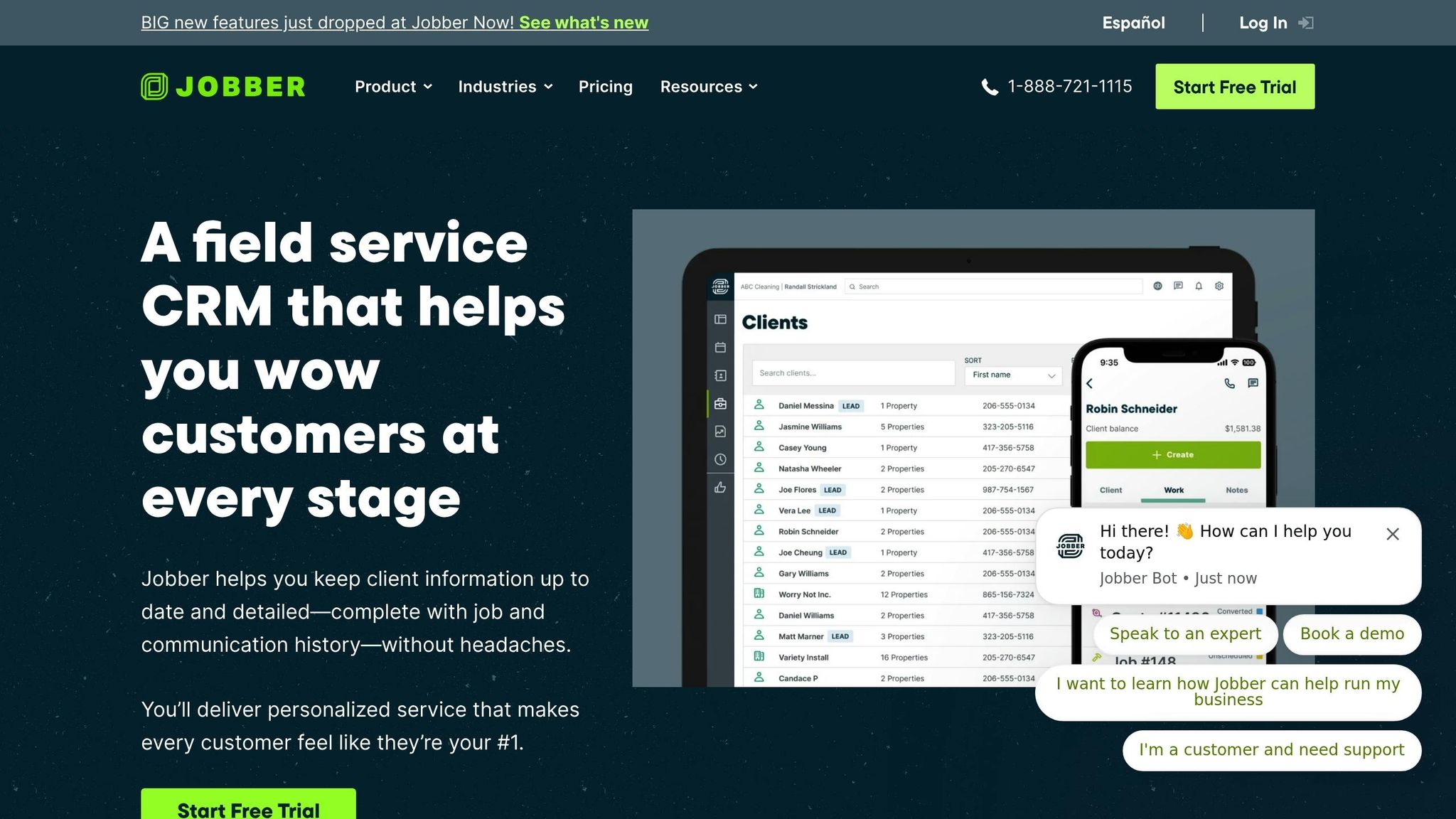
Jobber is trusted by over 300,000 professionals and has been used to manage more than 29 million jobs. It shines with features like detailed client profiles, integration with QuickBooks Online, and automated recurring payments [10][11]. For cleaning businesses, it captures property details, service preferences, and job histories, all while simplifying financial tasks for recurring services [9].
"Jobber helped us avoid big headaches." - Molly Zugschwert, Z Green Cleaning, Inc. [9]
Landscaping businesses also benefit from Jobber's project management tools. These include customizable client profiles to track project details, labor costs, and material expenses. Its scheduling system offers map routing and real-time updates, which are invaluable for crews traveling between multiple locations [1].
Hunter Kipps from Kipps Kustom Landscaping shared:
"Because of the time Jobber has saved me on tasks that used to consume my day, I've been able to focus on the bigger picture… and provide my family six-figure incomes back-to-back years." [1]
For HVAC contractors, Jobber offers specialized quoting tools with optional line items, follow-up automation, on-my-way texts, and instant invoicing. The platform also supports consumer financing and online card payments, making transactions seamless [11]. On average, Jobber users save over 12 hours per week and see a 44% revenue increase in their first year [10]. Pricing starts at $39 per month, with ratings of 4.8/5 on the App Store and 4.5/5 on Google Play. Additionally, Jobber AI helps businesses price jobs more accurately and identify upselling opportunities [10][11].
Next up is Housecall Pro, designed for field teams that are always on the move.
Housecall Pro
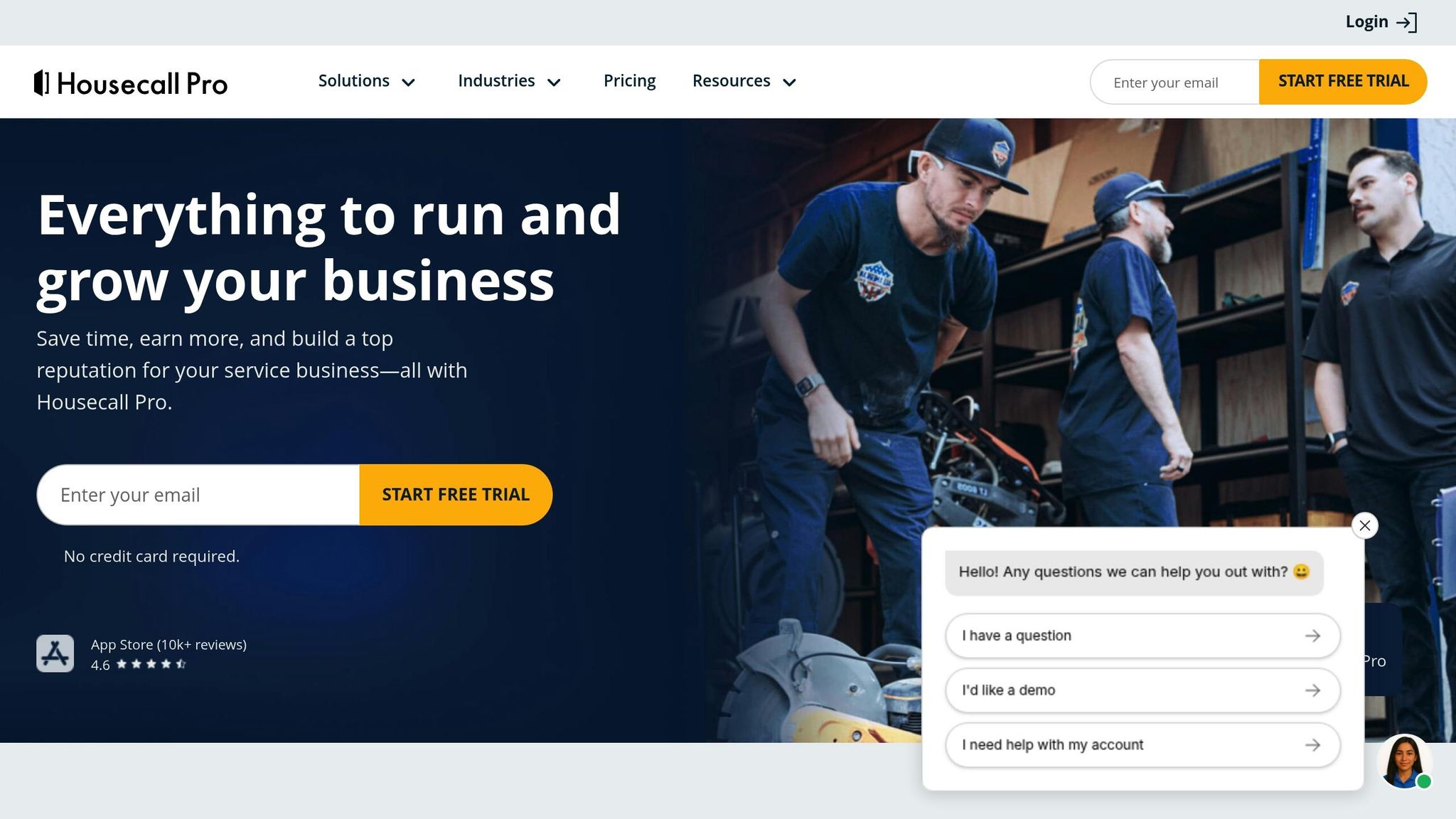
Housecall Pro is built with a mobile-first approach, making it ideal for service businesses that need to manage field teams efficiently. Its design enhances communication and streamlines service management, ensuring that teams can stay connected while on the go.
For businesses looking for a more comprehensive solution, ServiceTitan offers advanced tools for scaling operations.
ServiceTitan
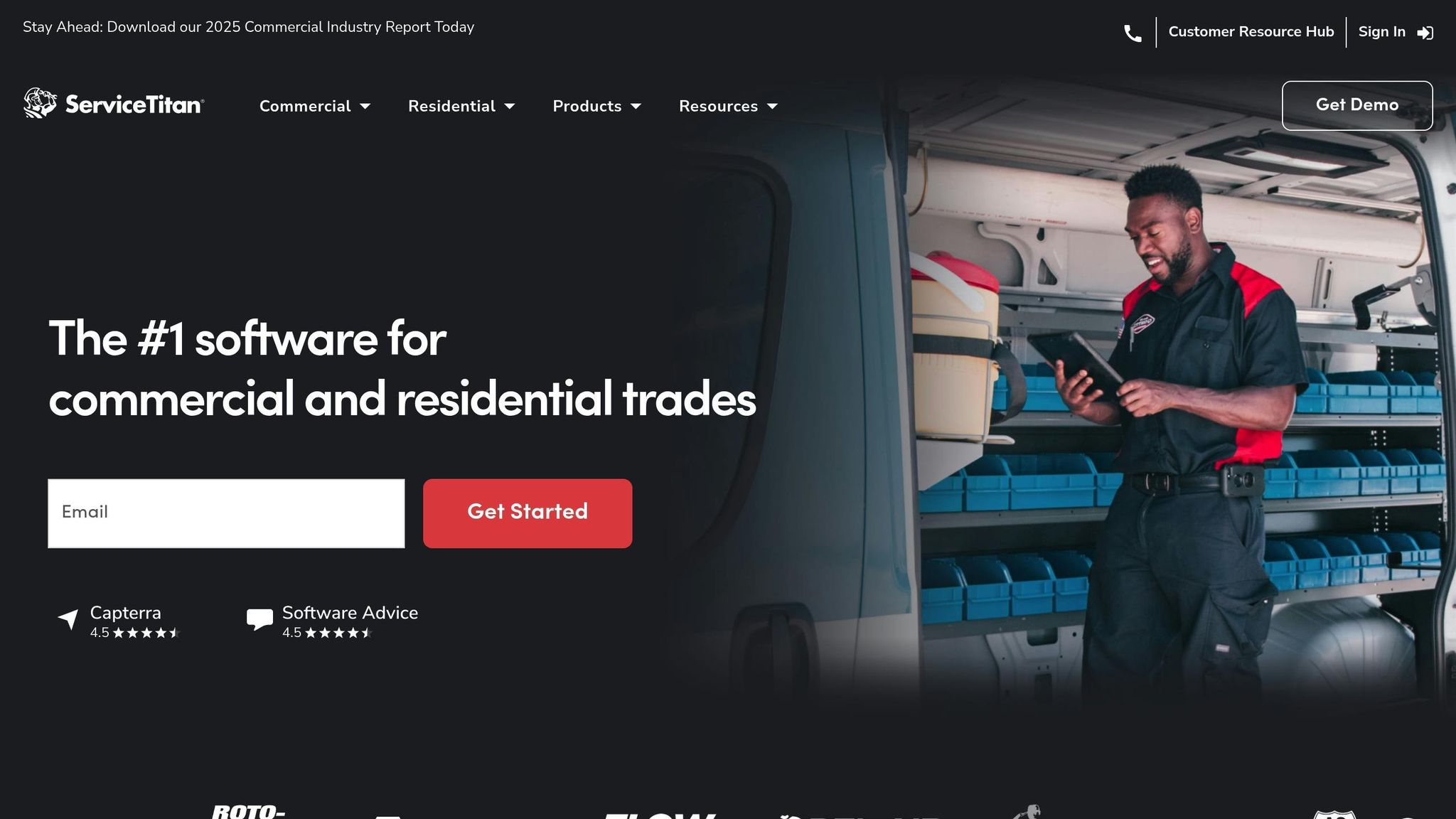
ServiceTitan is a robust platform tailored for commercial and residential trades, including HVAC, plumbing, electrical, and landscaping services [12][13]. For HVAC businesses, it offers tools to manage service agreements, track customer equipment histories, and schedule maintenance. These features help businesses deliver proactive service and identify opportunities to increase revenue [12][13].
ServiceTitan users report impressive results: after two or more years with the platform, commercial customers see a 10% increase in on-time invoice payments, a 9% boost in revenue per technician, a 21% improvement in service agreement renewals, and a 16% rise in annual revenue [13].
"With ServiceTitan I know I'm getting real-time numbers." - Rainforest Plumbing [13]
Landscaping businesses benefit from ServiceTitan's job costing and project management tools. The platform also integrates with over 70 tools, including ServiceChannel, XOi, and Ferguson, to streamline operations [13]. Pricing for ServiceTitan is not publicly listed; instead, they offer personalized demos to tailor the platform to each business's needs [12][13].
Whether you're looking for ease of use with Jobber, mobile flexibility with Housecall Pro, or enterprise-level features with ServiceTitan, there's a CRM solution to fit your business goals.
CRM Feature Comparison for Cleaning, Landscaping, and HVAC
When deciding between Jobber, Housecall Pro, and ServiceTitan, understanding how their features compare can help you pick the best fit for your business. Each platform caters to different industries, team sizes, and budgets, making it essential to match their strengths to your needs.
Feature | Jobber | Housecall Pro | ServiceTitan |
|---|---|---|---|
Supported Industries | 50+ home service industries, including cleaning, landscaping, HVAC, plumbing, electrical, handyman [10] | Cleaning, landscaping, HVAC, plumbing, electrical, handyman, window cleaning, carpet cleaning, pest control, pool services [14] | Primarily HVAC companies [3] |
Business Size | Small businesses to seven-figure operations [10] | Teams of 1 to 100+ employees [14] | Mid to large HVAC businesses [3] |
Starting Price | Plans available (pricing not disclosed) [15] | Basic plan starts at $59/month (billed annually) [16] | Custom pricing (demo required) [13] |
Mobile App Ratings | 4.8/5 (App Store), 4.5/5 (Google Play) [10] | 4.6/5 (App Store) [14] | Not specified |
Users/Jobs Completed | 300,000+ professionals; 29+ million jobs [10] | 200,000+ professionals; 100+ million jobs [14] | Not specified |
Time Savings | 12+ hours per week [10] | 8+ hours per week [14] | Not specified |
Growth Metrics | 44% revenue increase in the first year [10] | 35% revenue increase in the first year [14] | 21% improvement in service agreement renewals (after 2+ years) [13] |
The table highlights the main differences, but let’s dive deeper into what makes each platform stand out.
Jobber shines with its AI-driven pricing and upselling tools, supporting a wide range of industries. Its integration with Wisetack enables consumer financing, allowing customers to approve larger jobs with ease. Many users praise its simplicity, including Mitchell Gordy from MITHGO Outdoor Services, who shared:
"Jobber has taken a lot of stress off my shoulders. I can invoice from my cell phone. I'm not tied to my office." [10]
Housecall Pro is all about customer communication and automation. It offers automated messaging and 24/7 online booking, making it a favorite for businesses aiming to streamline interactions with clients. Its pricing structure is straightforward, starting at $59/month when billed annually. Analyst Kenneth Ndlovu noted the platform’s organizational benefits:
"This application has helped me remove a lot of clutter from my desk, and have organized tasks efficiently using it." [17]
ServiceTitan caters specifically to HVAC businesses, providing enterprise-level tools for managing operations. Its users see a 21% boost in service agreement renewals after two or more years on the platform [13]. A user from Rainforest Plumbing highlighted its value:
"With ServiceTitan I know I'm getting real-time numbers." [13]
When it comes to integrations, Housecall Pro connects with tools like QuickBooks, Google Calendar, and Zapier [16]. Jobber also offers integrations with QuickBooks, Mailchimp, and Zapier [10]. ServiceTitan, on the other hand, focuses on a comprehensive built-in feature set, reducing the need for external tools.
Each platform offers something unique depending on your business needs. Cleaning services might benefit most from Housecall Pro’s communication tools, while landscaping companies could take advantage of Jobber’s project planning and seasonal scheduling features. HVAC contractors may find ServiceTitan’s specialized tools for service agreements to be the best fit. No matter the choice, these CRMs can help improve workflows and give businesses a stronger edge in their local markets.
How to Choose the Right CRM for Your Local Service Business
Picking the right CRM for your cleaning, landscaping, or HVAC business can feel like a big decision, but it’s one that can save you time, money, and headaches down the line. With 91% of companies with 10 or more employees using CRM software [18], making the wrong choice could hurt your productivity and bottom line.
Start by mapping out your workflow - from capturing leads to processing payments. This will help you pinpoint any bottlenecks and align your CRM choice with tools that can address those specific issues. For example, if you’re running multiple crews, you might need advanced dispatching features, while a smaller team may only require basic scheduling tools.
Next, identify the must-have features for your industry. If you’re in the cleaning business, automated appointment reminders and customer communication tools might top your list. Landscaping companies often need route optimization and seasonal scheduling, while HVAC contractors might prioritize tools for managing service agreements and tracking equipment maintenance.
Pricing is another key factor to consider. For small teams with fewer than 10 employees, entry-level CRM platforms are often sufficient. Growing businesses with 10–50 employees might need mid-tier solutions costing between $30 and $80 per user each month. Larger operations with 50+ employees may require enterprise-level CRMs, which can range from $80 to over $300 per user monthly [19].
"The right CRM doesn't just store contact information; it helps streamline workflows, automate client follow-ups, reduce no-shows, and improve customer satisfaction at scale." – HubSpot Staff [18]
Don’t overlook the total cost of ownership. Beyond the monthly per-user fees, factor in additional expenses like transaction fees, integration costs, training, and data migration. Many platforms charge extra for features like AI tools, advanced automation, or additional data storage [19]. Take the time to model these costs based on your current needs and where you expect your business to be in the next couple of years.
Integration is another must-have. Your CRM should easily connect with tools you’re already using. For instance, CRMs with open APIs or built-in integrations can automatically pull in new leads and sync data in real time. This ensures that your lead information stays accurate and up to date across all your systems [20].
"Seamless data syncing between your lead generation tools and CRM is non-negotiable for maintaining data integrity and real-time access to lead information." – Sanyam Arora [20]
If you’re using tools like Cohesive AI for lead generation, make sure your CRM can handle the influx of leads from sources like Google Maps scraping or AI-driven outreach campaigns. With Cohesive AI guaranteeing at least four interested responses per month, your CRM should have the automation capabilities to nurture these leads effectively.
Once you’ve narrowed down your options, get your team involved. Office managers, field crews, and bookkeepers should all have a say in the evaluation process. Request demos and free trials, then assign real tasks to see how well the CRM fits into your daily workflows [19]. A CRM is only as good as your team’s willingness to use it.
Mobile accessibility is another critical feature, especially for field teams. Look for platforms with strong mobile apps for iOS and Android that offer offline capabilities. This ensures your team can update job statuses, capture photos, collect digital signatures, and access customer details - even in areas with poor connectivity [18].
Scalability is also important. As your business grows, your CRM should grow with you - handling more leads, users, and workflows without requiring an expensive platform switch. Studies show that 40% of small and midsized businesses change CRMs to improve efficiency, while 31% cite limited features as the reason for switching [19].
Customer support matters, too. Check how responsive vendors are through chat, phone, and email. Quality support can make a big difference during setup and when training your team on new features [19].
Finally, don’t underestimate the importance of training. Even the most user-friendly CRM comes with a learning curve, and investing in proper onboarding can prevent productivity dips during the transition. On average, businesses spend $87 per user per month on CRM tools, with most small and midsized businesses budgeting between $35 and $105 [19].
AI capabilities are becoming a game-changer in the CRM space. Nearly half (46%) of small and midsized businesses already use AI for customer insights, and adoption is growing by 10% each year [19]. CRMs with AI tools often deliver better ease of use, advanced analytics, and automation.
Conclusion
Selecting the right CRM for your cleaning, landscaping, or HVAC business can be a game-changer, driving growth and improving efficiency. These industries come with specific challenges that generic CRMs often fail to address.
The features we’ve discussed - customer and job management, scheduling and dispatch tools, and mobile access for field teams - are essential for running a smooth service operation. When paired with Cohesive AI’s automated lead generation and AI-powered outreach, these tools become even more effective.
"A CRM is one of the smartest investments you can make, acting as the engine that helps you manage customer relationships, boost productivity, and build a profitable business for years to come." - Ellie McKenna [2]
Different businesses will have different needs. For instance, smaller cleaning services may find Jobber’s intuitive interface ideal, while larger HVAC companies might benefit more from ServiceTitan’s robust enterprise features. The key is to choose a CRM that complements your current workflow while leaving room for growth.
Make sure your CRM aligns with your operational priorities. It should integrate effortlessly with your existing tools and provide the mobile accessibility your field teams need to stay efficient. As AI becomes increasingly central to business operations, opting for a CRM that supports these advancements will help future-proof your business.
FAQs
How can I choose the right CRM for my cleaning, landscaping, or HVAC business?
To choose the best CRM for your cleaning, landscaping, or HVAC business, prioritize platforms designed with industry-specific tools like scheduling, customer management, and automation. It's important to pick a system that's user-friendly, works seamlessly with your current tools, and offers mobile access for easy management while you're on the move.
Key features to look for include contact management, task automation, and reporting tools. These can simplify your daily operations and strengthen your customer relationships. Opting for a CRM tailored to your industry ensures it aligns with your business's unique needs, helping you save time and grow efficiently.
What features should a CRM have to improve efficiency and customer satisfaction for field service teams?
To improve efficiency and keep customers happy, choose a CRM that offers mobile access for technicians, real-time updates, and team schedule visibility. These tools make it easier to stay connected, respond quickly, and coordinate tasks effectively in the field.
Additionally, automation features like follow-up messages, post-visit surveys, and work order tracking are game-changers. They help you stay engaged with customers, collect useful feedback, and simplify workflows - all of which contribute to delivering better service and creating a more positive customer experience.
How can Cohesive AI help my CRM improve lead generation and business growth?
Cohesive AI's tools work effortlessly with your current CRM system, taking over tasks like data entry, lead qualification, and follow-ups. This not only simplifies your workflow but also minimizes mistakes and frees up valuable time.
With a mix of real-time analytics and AI-powered personalization, Cohesive AI helps local service businesses - like HVAC companies, landscaping services, and cleaning providers - reach the right prospects more efficiently. The result? Better customer relationships and quicker business growth.