Ultimate Guide to CRM Sync for Multi-Channel Marketing
Dec 6, 2025
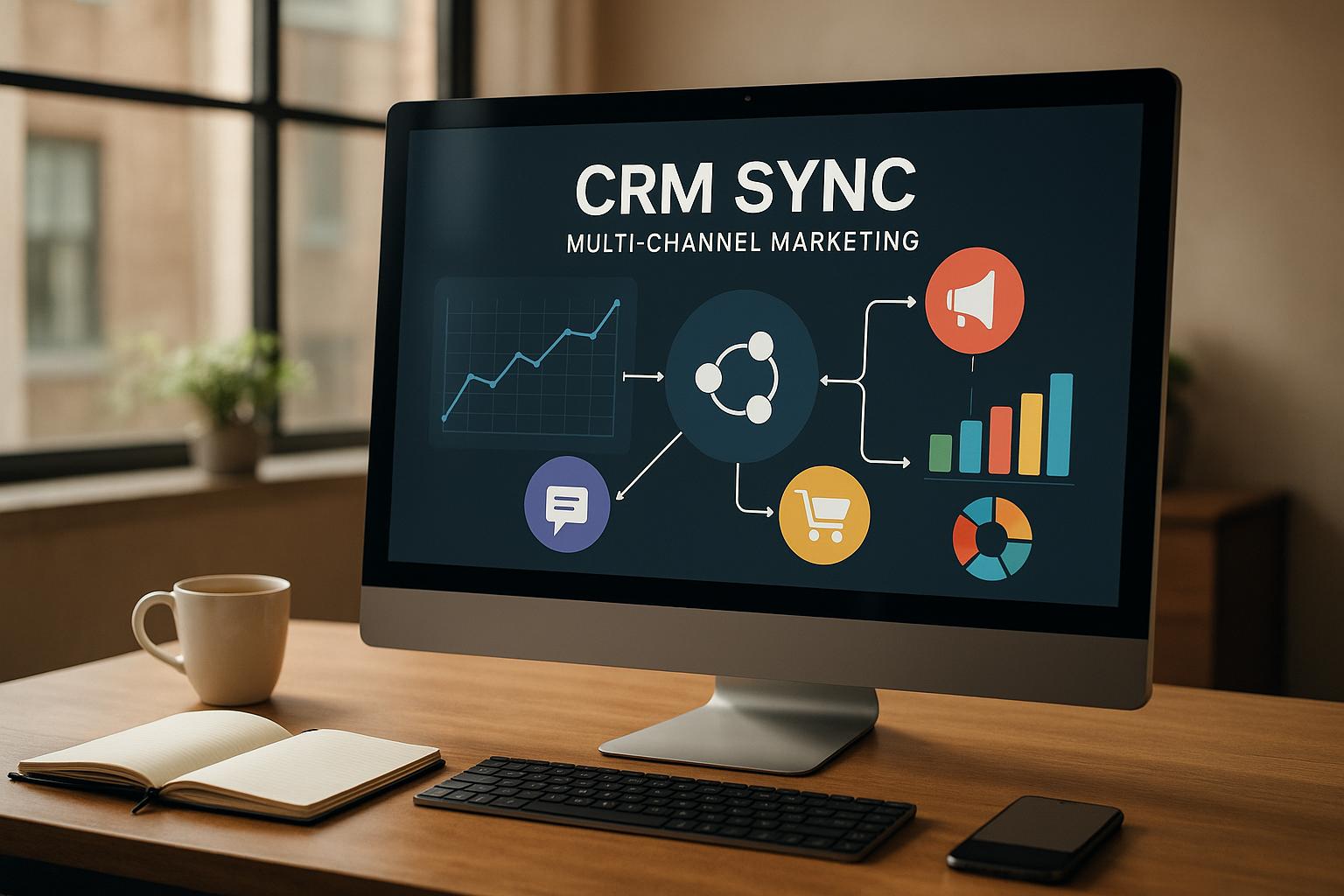
Want to boost customer retention and streamline operations? CRM synchronization is key.
CRM sync consolidates all customer data - emails, phone calls, social media interactions - into one system, giving you a full view of every customer. This makes it easier to manage leads, personalize communication, and automate repetitive tasks.
Why CRM Sync Matters:
Higher Conversions:Multi-channel marketing improves conversion rates by 24%.
Efficiency Gains: Automation reduces manual work and errors.
Customer Retention: Businesses using CRM systems see a 47% increase in loyalty.
Key Features:
Channel Integration: Combine data from forms, calls, and social media into one profile.
Real-Time Updates: Ensure all teams have accurate, up-to-date information.
Workflow Automation: Automate lead assignments, follow-ups, and marketing campaigns.
The result? Faster sales, better customer experiences, and smarter decisions.
Let’s dive into how CRM sync can transform your business.
Automated multi-channel workflows with Cendyn CRM
Core Elements of Multi-Channel CRM Synchronization
To create a solid CRM synchronization system, three key components must work in harmony. These elements are essential for local service businesses aiming to streamline customer data across multiple touchpoints, ensuring smooth and effective multi-channel marketing.
Channel Integration
Channel integration brings all customer interactions into a single, unified system. For local service businesses, this means consolidating phone calls, emails, social media messages, website forms, and even face-to-face interactions into one comprehensive customer profile.
A whopping 95% of marketers trust multi-channel strategies to effectively engage customers [2]. This confidence stems from the ability to see how customers interact with the business across various platforms.
Picture this: a potential HVAC client fills out a contact form, follows up with a phone call the next day, and later sends a message on social media. Without integration, these touchpoints might be treated as separate leads, leading to duplicate or confusing communication. But with proper integration, all interactions merge into one profile, providing clarity and consistency.
To achieve this, ensure your CRM connects with the channels you use most - like email, social media, and live chat [1]. Once integrated, it’s crucial that all data updates happen in real time for seamless customer management.
Real-Time Data Synchronization
Real-time data synchronization keeps customer information up to date across all systems and teams. For example, if a customer updates their service address, that change should instantly reflect everywhere it’s needed [3][5].
This instant sharing of data prevents mistakes, like using outdated information that could lead to pricing errors or scheduling mishaps. It also allows teams to adapt quickly to customer needs and fine-tune marketing strategies based on the latest interactions [3].
To secure real-time updates, implement encryption and access controls [4]. With this dynamic flow of information, businesses can also automate repetitive tasks, further boosting efficiency.
Workflow Automation
Workflow automation takes care of repetitive tasks, allowing your team to focus on delivering top-notch service. Did you know that 70% of business leaders spend 45 minutes to 3 hours daily on repetitive tasks? Automation has the potential to significantly improve productivity, with global growth rates increasing by 0.8% to 1.4% annually [6].
For instance, when a new lead enters the system, automated workflows can assign them to the appropriate team member, send a welcome email, schedule follow-ups, and even initiate personalized marketing campaigns based on their interests.
Start small - automate basic tasks like data entry, follow-ups, and lead assignments [6]. Over time, build smarter workflows using conditional logic to handle more complex scenarios, such as routing urgent service requests to on-call technicians or prioritizing high-value leads. Regular testing and refinement will ensure your automation evolves alongside your business needs.
Best Practices for CRM Data Synchronization
Synchronizing CRM data effectively requires prioritizing data quality and focusing on enhancing the customer experience. By following these practices, local service businesses can improve their multi-channel marketing efforts and strengthen customer relationships.
Centralize Data for Better Insights
Bringing all customer data together in one place gives businesses a comprehensive view of their customers, enabling smarter marketing and service decisions. When information is scattered across separate systems - like phone logs, email records, and service histories - teams often lack the full picture, which can lead to missed opportunities.
With a centralized CRM, businesses gain a 360-degree view of each customer, making it easier to create personalized marketing strategies and deliver better service [9]. For instance, HVAC technicians can review a customer's complete service history before arriving at their home, while landscaping companies can plan maintenance schedules based on seasonal preferences.
Consolidating data from various touchpoints - such as website forms, social media interactions, phone systems, and field service reports - into one unified system eliminates silos and ensures up-to-date, accurate information. This approach not only builds trust but also enables compliance with regulations and supports tailored customer experiences [8].
Tracking customer journeys across channels becomes much easier with centralized data [1]. Businesses can identify patterns, like which marketing messages lead to bookings or which communication methods drive the best responses. Regularly cleaning the database - removing duplicates and outdated details - keeps the system organized [1]. Additionally, segmenting customers for targeted campaigns allows for more personalized outreach [7].
Personalize Customer Communication
Using synchronized CRM data, businesses can deliver personalized communication that resonates with customers, far outperforming generic messaging. Companies that focus on personalization see 40% more revenue than their competitors [15], and 77% of customers are more likely to choose, recommend, or spend more with brands that provide tailored experiences [16].
The secret lies in leveraging detailed customer data to craft meaningful interactions [13]. For example, businesses can adapt their follow-ups based on customer communication preferences.
Segmenting the audience is another powerful tool. Factors like demographics, purchase history, behavior, preferences, or location can guide this process [14]. A janitorial service might group clients by building size, cleaning frequency, or industry, then create campaigns addressing the specific needs of each segment. Behavioral triggers, such as tracking website visits or email opens, allow businesses to send timely follow-ups that encourage action. Automation also plays a role - sending birthday emails with personalized discounts is a simple yet effective way to boost engagement [14]. While personalizing communication is key, ensuring data accuracy and security is equally important.
Maintain Data Accuracy and Security
Accurate and secure data is the backbone of effective CRM synchronization. To maintain accuracy, standardize data entry with dropdown menus, validation rules, and regular audits. Implement role-based access controls and multi-factor authentication to enhance security.
Regular audits help eliminate outdated or duplicate records [11]. Establish a review schedule that includes monthly checks for duplicates, quarterly updates for inactive accounts, and an annual deep cleaning of the database [10].
Security requires a multi-layered defense strategy. Choose a CRM vendor with a strong security track record, robust encryption, and compliance with privacy laws [12]. Limit data access based on user roles [12] and establish a governance strategy to define who can add, edit, or delete records [11]. Strong passwords and two-factor authentication should be mandatory, and regular password audits can help identify vulnerabilities [12].
Daily backups and routine cybersecurity training for staff are essential [12]. Monitoring CRM activity for unusual behavior can also help detect potential security threats or data integrity issues [12][10]. By following these steps, businesses can protect their data while ensuring it remains a reliable resource for agile marketing strategies.
Benefits and Challenges of CRM Sync in Multi-Channel Marketing
When it comes to multi-channel marketing, syncing your CRM system can be a game-changer for local service businesses. By integrating systems and enabling real-time data sharing, businesses can unlock numerous advantages while also facing certain obstacles that require thoughtful planning. Let’s break it down.
Benefits of CRM Sync
Better Customer Experience and Increased Conversions
A synced CRM system gives businesses a complete view of every customer interaction. For example, an HVAC technician can instantly access a client’s service history and preferences on their mobile device, building trust and improving the chances of closing a sale. In fact, CRM adoption has been shown to boost sales revenue by 21–30% and lead conversion rates by as much as 300% [20].
Simplified Operations and Less Manual Work
Automation through CRM sync eliminates repetitive tasks. Service requests flow seamlessly into scheduling, billing, and technician apps, cutting down on errors and reducing labor costs by 40%. This efficiency allows staff to focus more on revenue-driving activities. Plus, for every $1 spent on CRM, businesses can expect a return of nearly $9 [18].
Stronger Sales Performance and Team Efficiency
With real-time access to client details, sales teams can work smarter, not harder. Seventy percent of sales professionals using synchronized CRM systems report closing deals more quickly. Mobile CRM access also makes a huge difference - 65% of salespeople with mobile CRM meet their quotas, compared to just 22% without it [20]. For local service providers, having instant access to pricing, service histories, and client info means faster quotes and quicker deals.
Improved Customer Retention and Loyalty
CRM sync helps businesses keep customers happy and coming back. Companies that use CRM systems often see a 47% increase in customer retention and satisfaction [20]. By having a complete picture of the customer journey, businesses can address issues quickly and provide tailored support, strengthening long-term relationships.
Actionable Insights for Smarter Decisions
With CRM sync, businesses gain access to detailed analytics that reveal which marketing channels work best and when demand peaks. Seventy-four percent of CRM users report better access to customer data [20]. These insights help local service businesses fine-tune their services to match customer behavior and seasonal trends.
While these benefits are impressive, implementing CRM sync isn’t without its challenges.
Challenges to Overcome
Complex Setup and Technical Barriers
Getting a multi-channel CRM system up and running can be tricky. Over half of CRM implementations fail because sales teams don’t consistently input data [19]. As Shaul Daon, an entrepreneur, explains:
"The fact that salespeople don't like a CRM and don't type in their data as they follow along the sales funnel is the #1 cause of CRM failure."
For local service businesses, integrating existing tools like accounting software or scheduling apps into a single CRM platform can feel overwhelming, especially without IT expertise.
Maintaining Data Accuracy and Consistency
Ensuring data stays accurate and consistent across channels is a continuous challenge. Problems like outdated information, synchronization errors, or security gaps can confuse teams and damage customer trust. Regular audits, clear protocols, and careful planning are essential [17].
Security and Compliance Risks
Handling sensitive customer data - like addresses, payment details, and service records - requires robust security measures. Features such as encryption and multi-factor authentication are critical to protect this information and meet industry standards [17]. However, many small businesses struggle to implement these safeguards effectively.
Resistance to Change
Switching to a new CRM system isn’t always easy. Success depends on engaging users and providing proper support [17]. Field technicians may prefer their traditional methods, and office staff might resist trading familiar spreadsheets for a CRM interface.
Scaling for Growth
As businesses expand, their CRM systems must keep up with increasing data demands and user activity. Cloud-based solutions are often a good fit, but scalability requires careful planning to ensure the system can handle new service areas or marketing efforts [17].
Choosing the Right Integration Tools
Selecting the right integration platform is critical. Pre-built connectors can simplify the process, but businesses need to consider long-term maintenance and updates. Taking a phased approach - starting with essential systems and gradually adding more - can help refine processes and reduce complexity [17].
CRM Sync Solutions for Local Service Businesses
Local service businesses, like janitorial companies, landscaping services, and HVAC contractors, need CRM sync solutions that can handle the unique challenges of field operations, customer locations, and back-office tasks. These systems must address specific operational needs while supporting multi-channel marketing efforts.
Specific Needs of Local Service Providers
Unlike other industries, local service businesses have distinct requirements for their CRM systems. Since technicians spend most of their time in the field, mobile accessibility is a must. In fact, over 91% of businesses with more than 11 employees use CRM software to improve customer management and increase revenue [21].
Another critical feature is service history tracking. Building long-term customer relationships often depends on knowing specific details. For instance, janitorial companies may need to track which cleaning products were used at a client’s facility, while HVAC contractors must monitor maintenance schedules and equipment warranties. This information should integrate seamlessly across marketing channels to ensure consistent communication.
Geographic territory management is also a top priority. Local service providers often operate within defined areas, so their CRM systems must handle location-based data effectively. This includes tracking service areas, optimizing technician routes, and managing multiple locations for franchises.
The integration of invoicing and payment processing adds another layer of complexity. Service businesses often provide on-site estimates, complete work over multiple visits, and accept payments in various forms. A reliable CRM system needs to sync financial data across accounting tools, mobile payment systems, and customer communication platforms.
These features complement the benefits of real-time data and workflow automation, which were discussed earlier.
How Cohesive AI Supports CRM Sync
Cohesive AI is designed to meet the specific needs of local service businesses with its targeted CRM sync capabilities. The platform automatically gathers potential leads by scraping Google Maps and government filings, funneling fresh opportunities directly into existing CRM systems.
It also personalizes email campaigns based on seasonal patterns and property types. For example, HVAC contractors can send tailored emails during peak seasonal demand, while landscaping companies can adjust messaging to fit property-specific maintenance schedules.
Cohesive AI simplifies campaign management by syncing CRM data across email, lead tracking, and customer communication tools. It can handle up to three campaigns simultaneously while ensuring data accuracy. Plus, its fully managed email deliverability feature ensures that CRM-generated communications reliably reach customers, solving a common challenge for service providers.
The platform offers a straightforward pricing model: $150 per month with a $50 setup fee, billed month-to-month. To add value, Cohesive AI guarantees at least two interested responses per month, offering a free month of service if this goal isn’t met.
US-Specific Considerations
For local service businesses in the US, certain technical standards and compliance needs come into play:
Currency formatting: All financial data should follow the US format (e.g., $1,234.56), whether displayed in mobile apps, email templates, or accounting systems.
Date and time synchronization: Scheduling tools must use the MM/DD/YYYY format, with time displayed in 12-hour or 24-hour formats based on user preferences. This is essential for coordinating office staff, field technicians, and automated systems.
Measurement units: CRM systems must handle both metric and imperial units. For example, HVAC contractors may work with BTUs and square footage, while landscapers deal with acres and gallons. Accurate unit conversions are crucial to avoid costly errors.
Temperature consistency: For HVAC and other temperature-sensitive services, all systems must use Fahrenheit across communications, work orders, and technical documents.
Regulatory compliance: Businesses must navigate varying state and local regulations, including licenses, permits, and certifications. CRM systems should maintain compliance details within customer records and ensure marketing communications meet local rules.
Time zone management: For businesses operating across multiple states or regions, CRM solutions must handle appointment scheduling, service reminders, and automated communications across different time zones without disrupting billing cycles or customer records.
With the home services industry expected to exceed $1 trillion in value by 2025 [21], these technical standards are key to ensuring data accuracy, regulatory compliance, and better marketing outcomes for local service providers.
Conclusion
Synchronizing your CRM for multi-channel marketing is a game-changer for local service businesses looking to stay competitive. Companies leveraging multi-channel marketing enjoy 89% customer retention rates and see a 9.5% year-over-year increase in annual revenue [22].
The real magic of CRM synchronization lies in bridging gaps between teams. When field technicians, office staff, and automated marketing systems all access the same up-to-date customer data, the result is a smooth, cohesive customer journey.
The financial benefits are equally compelling. Businesses using multi-channel strategies report 24% higher conversion rates and cut their customer acquisition costs by 50% [22]. These numbers highlight how a unified approach not only enhances customer experiences but also significantly impacts the bottom line.
On top of that, 82% of businesses report improved customer loyalty with multi-channel marketing [22]. For local service providers, where word-of-mouth referrals and repeat customers are key, this loyalty translates into sustained growth. Happy customers who experience consistent, personalized communication are more likely to become loyal patrons and even advocates for your brand.
Paying attention to technical details specific to the U.S., such as accurate currency formatting and compliance with local regulations, further strengthens your CRM strategy. While these details might seem small, they help establish professionalism and trust. When your CRM system handles these tasks automatically, your team can focus on delivering outstanding service instead of worrying about data inconsistencies.
If you're ready to optimize your CRM synchronization, start by centralizing customer data, personalizing your outreach, and ensuring consistency across all channels. Adopting these strategies can streamline your operations, enhance customer satisfaction, and fuel long-term growth.
FAQs
How does CRM synchronization benefit multi-channel marketing for local service businesses?
CRM synchronization simplifies multi-channel marketing by connecting customer data across various platforms. This ensures that communication remains consistent and tailored to individual needs. For local service businesses - like janitorial companies or HVAC providers - it means quicker responses to customer inquiries, higher satisfaction rates, and the foundation for stronger relationships.
With unified data, businesses can reach a wider audience, create more targeted marketing campaigns, and see better returns on their investment. It also plays a key role in keeping customers loyal, helping local service providers achieve lasting success.
What challenges do businesses face when syncing CRM data, and how can they address them?
Businesses often face a handful of hurdles when it comes to syncing CRM data for multi-channel marketing. One major issue is integration challenges. Sometimes, systems don’t play nicely together, or workflows feel disconnected. The fix? Using APIs or middleware to help platforms communicate smoothly.
Another big concern is security risks, like the possibility of data breaches. To tackle this, companies should prioritize encryption, run regular security audits, and set up strict access controls to keep sensitive information safe.
Then there are the technical headaches - things like mismatched schemas, API rate limits, or unexpected system downtime. These can slow everything down, but with proper planning, rigorous testing, and scalable integration tools, businesses can stay ahead of these problems. By having clear goals and ensuring the team is on board, companies can streamline CRM synchronization and make the most of their marketing strategies.
Why is it important to ensure data accuracy and security when syncing CRM systems, and how can businesses achieve this?
Ensuring data accuracy and security during CRM synchronization is key to making sound decisions, fostering strong customer relationships, and protecting sensitive information from potential cyber threats. When your data is accurate, your marketing campaigns can perform effectively across different channels, while strong security measures shield both your business and your customers from risks.
To maintain this balance, businesses should prioritize regular data reviews and cleanups, establish clear data management standards, and provide thorough training for team members who work with CRM systems. It's also essential to select a CRM provider with robust security protocols and to perform regular backups to safeguard against data breaches. Adding extra layers of protection, like encryption and access controls, can further secure your data.