Cohesive
← Back to blogLocal Services

Best CRM Features for Janitorial and Landscaping

Dec 2, 2025

Best CRM Features for Janitorial and Landscaping

Managing a janitorial or landscaping business can be complex. From scheduling crews to tracking customer preferences, the workload can quickly become overwhelming. The right CRM (Customer Relationship Management) system simplifies these tasks by centralizing customer data, automating repetitive processes, and improving communication across teams. This article highlights seven CRM platforms tailored for janitorial and landscaping businesses, focusing on features like lead tracking, job scheduling, mobile access, and QuickBooks integration.

Key Takeaways:

  • Jobber: Affordable, easy-to-use, and great for small businesses ($16/month starting price).

  • LMN: Ideal for route optimization and customer data management, with GPS tracking.

  • SingleOps: Strong in job costing and inventory tracking, designed for growing businesses.

  • SortScape: Mobile-friendly and intuitive, perfect for field teams.

  • RealGreen: Built specifically for landscaping with online scheduling and payment tools.

  • Service M8: Simplifies dispatching and job tracking; mobile-focused.

  • Zoho CRM: Customizable and budget-friendly but requires setup for industry needs.

Each CRM offers unique tools to help businesses organize operations, improve efficiency, and enhance customer service. Whether you're a small startup or a larger operation, there's a platform to match your needs.

What are the Best CRMs for Lawn Care Businesses?

Core CRM Features for Janitorial and Landscaping Companies

A well-chosen CRM can revolutionize how you manage your business by organizing customer data, automating routine tasks, and providing instant access to critical information for your teams in the field. For janitorial and landscaping companies juggling multiple crews and job sites, these tools address daily challenges head-on. Let’s dive into the key features that simplify operations, from scheduling to financial tracking.

Customer Relationship Management and Data Centralization

A CRM acts as a central hub for all client information - contact details, service history, preferences, and communication logs - all stored in one place [5]. No more digging through emails, texts, or paper files. When a client calls with a question about their last service, your team can instantly access their complete record, from the services provided to the crew assigned and any special instructions noted during past visits.

This centralized system ensures nothing falls through the cracks [1]. For landscaping businesses, it’s invaluable for managing seasonal preferences, while janitorial services benefit from having detailed cleaning protocols for specific buildings readily available. Everything is documented and accessible, so your team stays consistent and informed.

Job Scheduling and Dispatch Capabilities

Coordinating multiple crews across various locations can be a logistical nightmare, especially if you’re relying on spreadsheets. With CRM scheduling and dispatch tools, you get a bird’s-eye view of your operations in real-time. These features help optimize routes to cut down on travel time and fuel costs while allowing quick adjustments for unexpected changes [2][5].

For landscaping companies, scheduling tools eliminate double-bookings and ensure crews know exactly where to go and what to do [3]. If a crew finishes early or weather delays a project, schedules can be updated instantly - no need for frantic phone calls.

GPS tracking further enhances efficiency by optimizing daily routes, which reduces fuel costs and increases the number of jobs crews can handle in a day [2]. For janitorial teams managing multiple client locations, these tools are game-changers, enabling more jobs to be completed without wasted time or resources.

Mobile Access for Field Operations

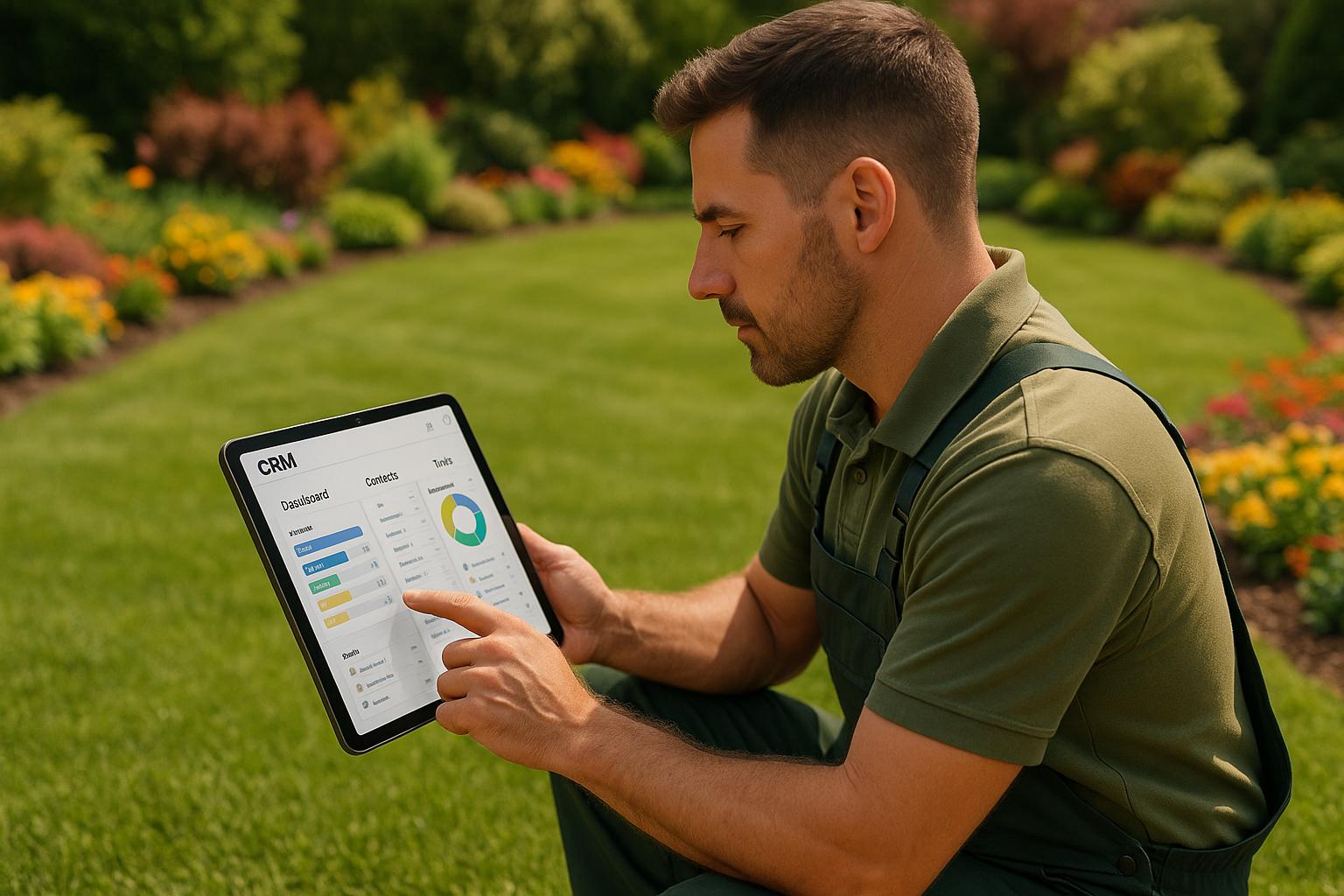
Since your crews spend most of their time in the field, mobile access is essential. CRM mobile apps let teams view job details, customer information, and service history right from their phones or tablets while on the job [4].

These apps also allow crews to log time, track material expenses, and record other job costs in real-time, ensuring accurate documentation [2]. Plus, they can send updates to customers directly from the field, improving communication and enhancing the customer experience [4].

Invoicing and Financial Tracking

CRMs streamline invoicing and financial tracking by automatically recording labor hours, material costs, and equipment usage. Once a job is complete, the system can generate invoices on the spot [3].

For landscaping businesses, this ensures accurate job costing, helping avoid financial losses from underpriced projects [3]. CRMs also allow businesses to accept credit card payments both on-site and online, making transactions seamless [4]. Reporting dashboards provide insights into profitability, showing which services bring in the most revenue and where adjustments might be needed [3].

By integrating with accounting software like QuickBooks Online, CRMs eliminate the need for duplicate data entry, simplifying the entire financial process [4].

Lead Tracking and Management

Turning prospects into paying customers becomes much easier with a CRM. These systems help you organize and segment leads, track where they come from, and monitor conversion rates to see which marketing efforts are paying off [2].

You can store detailed information about prospects, log communication history, and automate follow-ups to guide leads through the sales pipeline [3]. For landscaping businesses, tracking referral sources highlights which customers bring in the most valuable referrals [2]. CRMs also let you create and send proposals and quotes directly, speeding up the sales process [4].

Some systems go a step further with automated lead generation. For example, Cohesive AI can scrape Google Maps for leads, identify owner emails, and send personalized cold emails. This tool even guarantees at least four interested responses per month for $500, making it a cost-effective way to streamline customer acquisition.

Automated Communication and Workflows

Keeping in touch with customers is vital, and CRM automation makes it effortless. Automated tools handle appointment reminders, post-service follow-ups, and seasonal promotions [1]. For landscaping businesses, this is especially helpful during slower seasons, keeping clients engaged and encouraging referrals [3].

Consistent communication builds trust and fosters repeat business. Automated workflows also reduce administrative burdens by setting up regular touchpoints and allowing customers to request estimates or schedule services online. Payments can even be processed directly through the system, creating a smooth and professional experience [2].

Customizable Pipelines and Client Profiles

Every business operates differently, and a CRM should adapt to those unique workflows. Customizable pipelines let you structure sales and service processes to fit your needs. Janitorial companies might focus on contract negotiations and recurring services, while landscaping businesses may prioritize seasonal projects and maintenance plans [3].

These workflows can automate specific tasks, like sending seasonal service reminders for landscaping or scheduling recurring janitorial visits [3]. Customizable client profiles allow you to document project-specific details and preferences, ensuring personalized service [4]. Mobile-friendly interfaces ensure these workflows are accessible whether your team is in the office or out in the field [2].

Data Analytics and Reporting

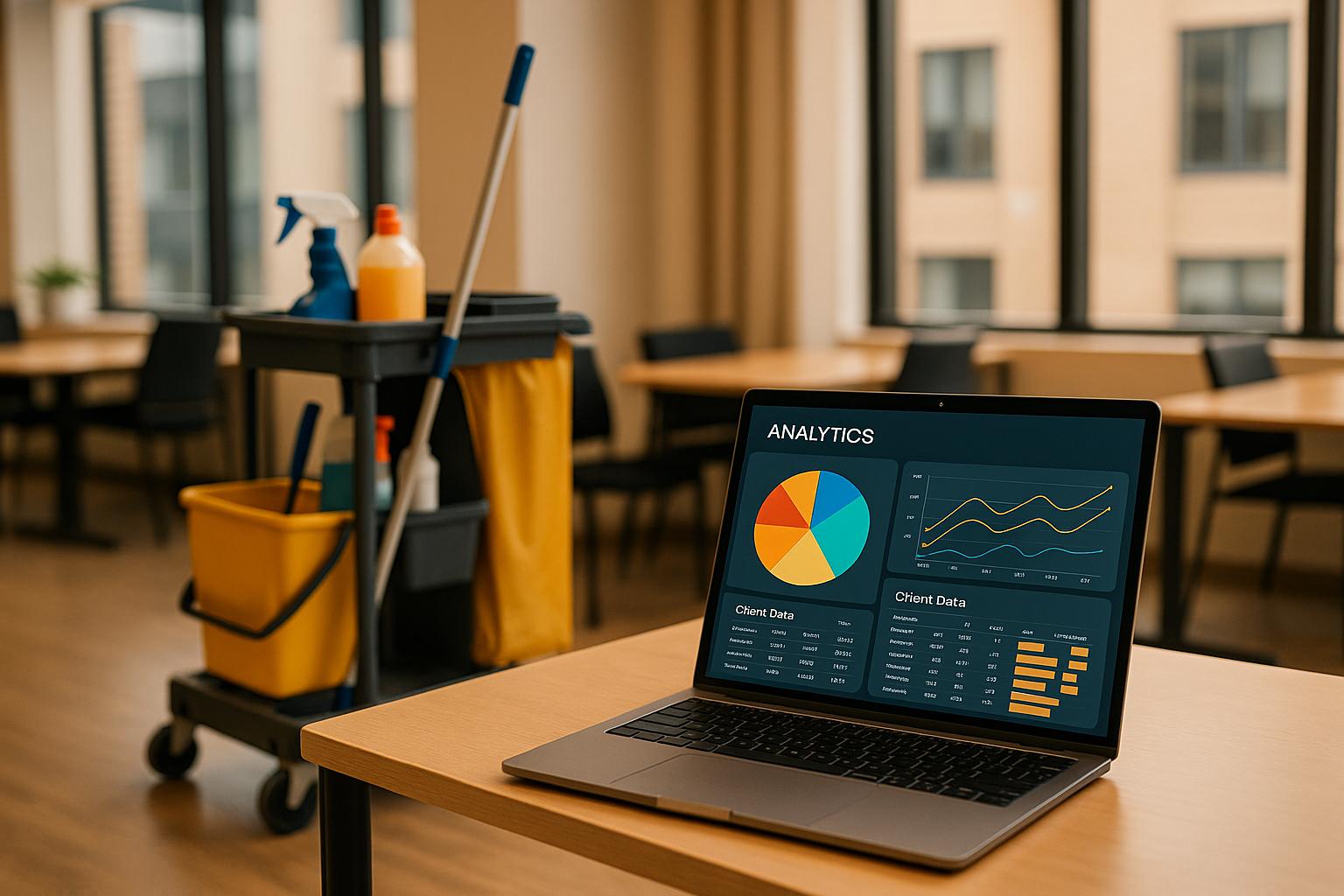
CRM analytics turn raw data into actionable insights, helping you track customer behavior, sales trends, and service history [1]. Dashboards highlight which services are performing well and which need attention, allowing you to focus marketing efforts where they’ll have the most impact [1].

For landscaping businesses, analytics can reveal seasonal trends, aiding in workforce planning and inventory management [1]. Sales reports provide a clear picture of conversion rates, average deal sizes, and overall pipeline health [2]. Tracking referral sources can also help you identify your most valuable customers, so you can focus on retaining them [2].

Armed with these insights, you can make smarter decisions about pricing, services, and marketing strategies.

1. Jobber

Jobber

Jobber is built to simplify operations for service-based businesses, offering tools that streamline workflows from start to finish. It's especially useful for industries like janitorial services and landscaping, where managing multiple aspects of the business on a single platform is key. Here's a closer look at how Jobber's features cater to these needs.

Job Management

Jobber's centralized system takes the hassle out of juggling tasks across teams. With online booking that automatically updates the system, manual data entry becomes a thing of the past. You can send proposals and quotes directly to clients, and once a job is approved, customize client profiles for each project. Teams can log expenses - like labor, materials, and other costs - as they happen, and the platform converts this data into invoices instantly.

Automation Features

Routine administrative tasks can eat up valuable time, but Jobber’s automation tools help lighten the load. It handles reminders, quotes, invoicing, and scheduling automatically, freeing up time and improving efficiency.

Mobile Functionality

For teams constantly on the move, Jobber’s mobile app is a game-changer. Field crews can access job details, manage schedules, and stay in sync while on-site. This ensures that everyone stays connected, and clients are kept up-to-date on any changes in real time.

Integration Options

Jobber works seamlessly with QuickBooks Online and other tools, making it easy to integrate into your existing systems. It also supports both in-person and online credit card payments, helping businesses get paid faster and maintain better cash flow.

Pricing

Jobber offers plans starting at $16/month, making it accessible for small to mid-sized businesses [1]. Its tiered pricing model lets companies start with basic features and scale up as needed. Plus, the built-in client hub - where customers can view quotes, pay invoices, and book appointments online - further reduces administrative tasks and keeps operations running smoothly.

2. LMN

LMN

LMN is designed specifically for landscaping and lawn care businesses, but its features also work well for janitorial companies managing multiple service locations.

Job Management

LMN keeps all customer and job details in one place, including contacts, estimates, service history, files, and photos. This centralized system makes it easy for teams to share information. For example, sales teams can access job history while preparing estimates, and field crews or accounting teams can view project-specific details, multimedia files, and complete service timelines. The platform also generates sales reports, helping businesses analyze revenue, track referral sources, and evaluate lead generation. These tools help reduce manual work and encourage smarter, data-driven decisions.

Automation Features

LMN simplifies repetitive tasks with communication templates and standardized workflows. It also boosts team engagement through gamification and improves operational efficiency with built-in GPS tracking and routing. The gamification element is a standout feature, encouraging better team performance while keeping things engaging. Combined with its seamless system integrations, LMN helps businesses run more smoothly.

Integration Options

LMN works with QuickBooks to automatically sync job costs, material expenses, and labor hours. Its GPS tracking feature allows field managers to monitor crew locations in real time and make schedule adjustments when necessary.

Pricing

LMN is built for larger operations, and its pricing reflects this enterprise-level focus. It offers cloud-based flexibility and can scale to meet the needs of mid-sized and large businesses. Costs vary depending on the size of the business and the features required.

3. SingleOps

SingleOps

SingleOps is a business management platform tailored specifically for landscaping and janitorial service companies. It combines CRM features with operational tools to simplify workflows and improve efficiency.

Job Management

SingleOps makes managing jobs easier with tools for creating professional estimates quickly and organizing project files like photos and documentation. You can also customize client profiles to keep track of project-specific details.

The platform oversees the entire project lifecycle - from generating an estimate to sending out invoices. Sales teams can access performance reports and customer insights to avoid losing prospects, missing estimates, or forgetting contract renewals, even during the busiest times.

Another standout feature is job costing. SingleOps tracks labor hours, material expenses, and equipment usage in real-time, giving you a clear picture of each project's actual costs. This data helps you avoid pricing mistakes and focus on the services that deliver the best returns.

By streamlining job management, SingleOps helps businesses save time and operate more efficiently.

Automation Features

Routine tasks become less of a burden with SingleOps. The platform includes automated workflows for scheduling, invoicing, and customer communication, reducing the need for manual data entry. This is especially helpful during peak seasons when juggling multiple crews and client interactions can feel overwhelming.

With automation handling administrative tasks, you can spend more time on delivering services and growing your business. The system processes tasks quickly and accurately, enabling your team to take on more work without increasing administrative overhead.

Mobile Functionality

SingleOps is cloud-based, allowing field teams to access and update job details on the go. Whether it’s checking job specifications, updating project statuses, or communicating with the office, team members can do it all from their mobile devices.

This real-time access ensures that everyone stays on the same page, no matter where they are. Field crews can respond to changes or customer requests immediately, improving both service quality and operational efficiency.

Integration Options

SingleOps integrates seamlessly with accounting tools like QuickBooks, syncing labor, material, and equipment cost data automatically. These integrations keep financial records accurate and up-to-date, making it easier to track job costs in real-time.

This smooth connection between operational and accounting systems eliminates the need for duplicate data entry, saving time and reducing errors.

Pricing

SingleOps is designed to be scalable for businesses of all sizes, from small operators to larger companies. Pricing depends on the features you need, the number of users, and the size of your business. For a customized quote, contact SingleOps directly to discuss your specific requirements.

4. SortScape

SortScape

SortScape builds on essential CRM features by offering tools specifically designed for janitorial and landscaping businesses.

Job Management

SortScape simplifies job management by centralizing customer and job data in one place. You can organize clients based on service type, location, or service frequency - making it easier to cater to varying client needs. For janitorial services, this means tracking cleaning preferences and high-priority areas. Landscaping businesses, on the other hand, can document seasonal service requirements and maintain detailed records to ensure consistent care. The platform also helps you manage crew assignments and monitor project timelines, from the initial quote to job completion, ensuring smooth operations.

To keep teams connected in the field, SortScape offers mobile-friendly tools.

Mobile Functionality

The mobile-optimized interface is designed to be intuitive, cutting down on training time for your team. Field staff can easily log time, expenses, and job updates, minimizing paperwork and keeping everything streamlined on the go [2].

This mobile connectivity works hand-in-hand with SortScape's automation features.

Automation Features

SortScape automates key processes by tracking employee hours, material usage, and equipment costs in real time. As employees record their work, the system instantly updates project data, providing a clear picture of labor and material expenses. This transparency helps you avoid budget overruns and refine future pricing and job costing strategies.

Pricing

SortScape is available to small businesses across the United States, Canada, the United Kingdom, Australia, and New Zealand [2]. Its availability in these regions makes it a practical choice for landscaping and janitorial companies in English-speaking markets. For detailed pricing, you’ll need to reach out to SortScape directly to discuss your specific business requirements and get a tailored quote.

5. RealGreen

RealGreen

RealGreen delivers a robust CRM solution tailored specifically for landscaping and janitorial businesses, all powered by a WorkWave-developed platform. It’s designed to address the unique challenges of these industries with tools that simplify daily operations.

Job Management

RealGreen goes beyond basic CRM features by offering tools that fit the needs of field service businesses. It centralizes job details and customer information, giving your entire team easy access to current project data and cutting down on miscommunication. You can handle incoming jobs, create estimates using pre-made templates, and manage everything through the platform. A standout feature is the dispatch board, which allows for seamless online scheduling and task coordination. No more juggling spreadsheets or multiple tools to keep your team organized.

From the first customer interaction to the completion of a project, RealGreen keeps everything in one place. This is especially helpful for janitorial teams handling numerous commercial properties or landscaping companies managing seasonal contracts. By consolidating information, RealGreen eliminates the chaos of scattered emails, texts, and paper notes.

Automation Features

RealGreen also takes the hassle out of repetitive tasks with automation. Customers and leads can request estimates or service calls online, reducing the back-and-forth of scheduling. Payments can be processed directly within the platform, so you won’t need to switch between systems or manually log transactions.

Invoicing is just as straightforward. You can create and send invoices right from the application, removing the need for additional accounting software for basic billing tasks. This all-in-one approach saves time and reduces the number of tools you need to manage. Plus, the platform makes it easy to accept referrals and maintain detailed customer records.

Mobile Functionality

RealGreen’s iOS app ensures your team stays connected, even when they’re on the move. Technicians and crew members can check schedules, update job statuses, and communicate with the office in real-time - all from their mobile devices. This is a game-changer for landscaping crews hopping between properties or janitorial teams covering multiple locations. With everyone on the same page, work flows smoothly throughout the day.

Pricing

RealGreen’s pricing is customized based on your business size and needs. To get a quote, you’ll need to reach out to the WorkWave sales team. This approach ensures that the solution is tailored to fit your specific requirements.

6. Service M8

Service M8

Service M8 offers a no-fuss CRM solution tailored for janitorial and landscaping businesses, emphasizing ease of use and mobile accessibility. It’s built to provide a clear picture of your operations while staying intuitive for field teams.

Job Management

With Service M8, you get a real-time, centralized view of each client’s service history and active jobs. Whether you're juggling multiple commercial properties or managing seasonal contracts, all the details are at your fingertips.

The platform supports the entire job lifecycle - from incoming requests and quotes to progress tracking - using a dispatch board that simplifies task assignments. Automated appointment confirmations and follow-ups ensure smoother field operations without added effort.

Mobile Functionality

Service M8’s iOS app empowers crews to update schedules, job statuses, and customer information on the go. This instant access cuts down on training time and improves communication [2].

Pricing

Service M8 doesn’t list fixed pricing. To get a quote tailored to your business size and needs, you’ll need to reach out to their sales team.

7. Zoho CRM

Zoho CRM

Zoho CRM is a cloud-based platform designed to deliver powerful customer relationship management tools without the steep learning curve or hefty price tag of specialized industry software. Its flexibility makes it a great fit for janitorial and landscaping businesses, especially those juggling multiple service lines or planning to expand.

Automation Features

Zoho CRM leverages AI and machine learning to handle repetitive tasks like sending appointment reminders, promoting seasonal offers, and managing follow-ups. This helps free up administrative time while improving operational efficiency [2][3].

Beyond just saving time, these automation tools can uncover trends in service requests, enabling smarter scheduling and more effective communication.

Mobile Functionality

With native apps for iOS and Android, Zoho CRM ensures your field teams stay connected no matter where they are. Whether they’re maintaining a commercial property or en route to a residential job, team members can access critical customer information, update job statuses, and review service histories directly from their smartphones.

Thanks to its cloud-based design, updates made in the field sync instantly with the office, ensuring everyone is always on the same page. This real-time access enhances efficiency and supports seamless collaboration between field crews and office staff.

Integration Options

Zoho CRM’s strength lies in its ability to integrate with other tools in the Zoho ecosystem. This includes business essentials like accounting software, payment systems, and scheduling tools, making it easier to manage workflows across your entire operation [2].

For office staff, browser-based access adds flexibility, allowing them to handle customer management, generate reports, or coordinate schedules from their desktops [2].

Pricing

Zoho CRM is designed to be budget-friendly for small and mid-sized businesses [2]. While specific pricing tiers aren’t disclosed, it offers a solid range of features that cover most CRM needs. However, for advanced functions like GPS routing, job costing, or detailed work order management, you might need to explore additional integrations.

Advantages and Disadvantages

Here’s a closer look at the key strengths and limitations of each platform, building on the features we’ve already discussed.

Jobber is a budget-friendly option for small service businesses, starting at $16/month [1]. It simplifies client interactions with its client hub, where customers can review quotes, pay invoices, and book appointments online - cutting down on administrative tasks. The integration with QuickBooks Online streamlines accounting, and the mobile app allows field teams to process credit card payments on-site. However, Jobber is more of a general service platform rather than one tailored specifically for landscaping, so it lacks advanced GPS routing features.

LMN stands out with its detailed customer database, which stores contact information, job details, estimates, service history, and even photos, all easily shareable across departments. It includes GPS tracking, route optimization, referral tracking, and lead generation analytics. LMN also integrates with QuickBooks, keeping financial data in sync. However, it focuses heavily on routing rather than comprehensive workforce management, and pricing details are not disclosed.

SingleOps shines in managing job costing, inventory, timesheets, and employee oversight. Built on the Arborgold system, it combines CRM capabilities with operational tools in a scalable, cloud-based format. It’s great for businesses requiring tight control over labor and materials. That said, it does not integrate with QuickBooks, which might complicate accounting for some users.

SortScape prioritizes ease of use and mobile optimization. Catering to businesses in the US, Canada, the UK, Australia, and New Zealand, it allows employees to track time, material expenses, and other job costs directly through its mobile app or website. Its intuitive design makes it a go-to for landscapers on the move. However, pricing information is not publicly available and requires direct inquiry.

RealGreen is specifically designed for landscaping, gardening, and arborist businesses. It automates repetitive tasks while keeping you connected with customers and field staff. Customers can request estimates and service calls online, and you can manage payments and invoices internally. However, detailed pricing and feature comparisons aren’t readily available.

Service M8 provides a comprehensive view of your operations with tools like a 360-degree customer overview, job management, quote creation, and a dispatch board for scheduling and job completion. It’s optimized for iOS users, making mobile scheduling seamless. On the downside, it lacks integrated GPS tracking and robust employee management tools.

Zoho CRM offers flexibility for businesses looking for a general CRM that can be customized for landscaping or janitorial needs. Its cloud-based platform, along with native iOS and Android apps, makes managing operations from anywhere a breeze. It also incorporates AI and machine learning tools to improve customer management. However, since it’s not industry-specific, it requires additional customization to align with landscaping or janitorial workflows.

Platform

Ideal For

Key Strengths

Limitations

Starting Price

Jobber

Small service businesses

Client hub, QuickBooks integration, budget-friendly

Not landscaping-specific; lacks GPS routing

$16/month

LMN

Route optimization

Detailed customer data, GPS tracking, analytics

Limited workforce management; pricing undisclosed

Not specified

SingleOps

Workforce management

Job costing, inventory control, employee tools

No QuickBooks integration

Not specified

SortScape

Mobile-first operations

User-friendly, mobile-focused, international reach

Pricing undisclosed

Not specified

RealGreen

Landscaping businesses

Industry-specific features, online estimate requests

Limited public details on pricing/features

Not specified

Service M8

Real-time dispatch

Customer overview, dispatch board

No GPS tracking or advanced employee tools

Not specified

Zoho CRM

Versatile customization

AI tools, multi-industry support, affordability

Requires extra customization for landscaping

Affordable

When choosing a platform, consider how its strengths align with your business’s needs. While a higher-priced option might seem costly upfront, it could save you significant time and money in the long run by automating tasks and reducing billing errors. For startups, Jobber’s low entry price makes it a great starting point. Mid-sized businesses needing advanced routing or workforce management might prefer LMN or SingleOps. If mobile access and simplicity are top priorities, SortScape or Service M8 could be ideal. For maximum flexibility and AI-driven tools, Zoho CRM is worth exploring, though it may require more setup to meet industry-specific needs.

Conclusion

Choosing the right CRM for your janitorial or landscaping business comes down to finding a system that fits your specific needs and operational challenges. For small businesses, Jobber stands out with its essential features like client management, QuickBooks integration, and mobile payment processing - all starting at just $16 per month [1]. If GPS tracking and detailed customer insights are priorities, LMN is a strong contender [2]. For mid-sized operations, SingleOps offers robust job costing and inventory control [2]. Teams that rely heavily on mobile tools might find SortScape and Service M8 appealing, with Service M8 providing a dispatch board for seamless scheduling and real-time updates [2]. Landscaping businesses looking for automation tailored to their industry can turn to RealGreen, while Zoho CRM delivers customizable, AI-powered tools for businesses seeking flexibility [2].

Each of these platforms demonstrates how the right CRM can turn operational hurdles into opportunities for growth. From organizing leads and sending appointment reminders to collecting customer reviews that boost your reputation, the benefits of a well-matched CRM are clear [1][3].

To narrow down your options, start by identifying your biggest pain points. Are you looking to cut down on admin tasks with automation? Improve profitability through accurate job costing? Or enhance customer interactions with tools like self-service portals? Matching your CRM’s features to your top priorities is the first step. While some platforms may require a higher initial investment, the time savings and reduced billing errors often make them worthwhile within just a few months [1][3].

Ultimately, the best CRM is one that addresses your current challenges while offering the flexibility to grow with your business. With so many proven options available, finding the right fit can streamline your operations and set the stage for long-term success.

FAQs

How can a CRM help manage crews and job sites more efficiently for janitorial and landscaping businesses?

A CRM system takes the hassle out of managing day-to-day operations by automating essential tasks like lead generation, scheduling, and communication. For janitorial and landscaping businesses, it’s a game-changer. It centralizes job assignments, keeps tabs on progress across multiple crews and job sites, and ensures everyone stays updated without the usual chaos.

By handling repetitive tasks and keeping customer data organized, a CRM lets you focus on what truly matters - delivering top-notch service. It also helps minimize manual errors, track performance, fine-tune schedules, and maintain clear communication with your team and clients.

What CRM features should I prioritize for easy QuickBooks integration and streamlined financial tracking?

When selecting a CRM to pair with QuickBooks, it's important to focus on features that streamline financial tasks and ensure smooth data integration. Here are some key functionalities to consider:

  • Automatic syncing for invoices and payments: This reduces the need for manual input and helps cut down on potential errors.

  • Expense and revenue tracking: Offers a clear snapshot of your business's financial standing at any given moment.

  • Customizable reporting tools: Enables you to create detailed financial reports tailored to your specific needs, offering valuable insights.

These tools not only save time but also enhance accuracy, making financial management simpler and more effective - especially for service-oriented businesses like janitorial or landscaping services.

How does mobile access in a CRM improve field operations for janitorial and landscaping teams?

Mobile access in a CRM makes it easier for janitorial and landscaping teams to stay connected and efficient while working in the field. Employees can quickly check schedules, update job statuses, and communicate with the office in real time. This keeps everyone on the same page and helps ensure quick responses when needed.

With mobile tools, team members can also log work details, snap photos, and track their time right from their smartphones. This cuts down on paperwork and boosts accuracy. By making operations smoother and more organized, it improves customer satisfaction and ensures no important tasks slip through the cracks.

Related Blog Posts