Google Maps Leads and Email Automation: How It Works
Nov 1, 2025

Want to grow your local service business without spending hours on research or cold calls? Combining Google Maps lead scraping with email automation can help you generate thousands of targeted leads and turn them into paying customers - automatically.
Here’s how it works:
Google Maps Lead Scraping: Tools extract business details like names, addresses, phone numbers, and websites from Google Maps based on your target area and criteria (e.g., "HVAC companies within 15 miles of Phoenix, AZ"). This creates a large, accurate list of potential clients in minutes.
Email Automation: Once the data is collected, email systems send personalized outreach messages to these leads. AI tailors emails to reference specific details about the recipient’s business, boosting response rates by up to 50%.
Streamlined Process: The system handles everything - from gathering leads to sending follow-ups - so you can focus on serving current customers while reaching hundreds of new prospects.
Example: A janitorial service used this strategy to scrape 2,500 leads, book 47 client meetings, and secure $36,000 in contracts within a month.
This approach saves time, reduces costs, and ensures targeted communication with local businesses. Plus, tools like Cohesive AI simplify the process with flat-rate pricing and compliance with U.S. email laws.
Want to know more? Keep reading to learn how to set up this system and grow your business.
How Google Maps Lead Generation Works
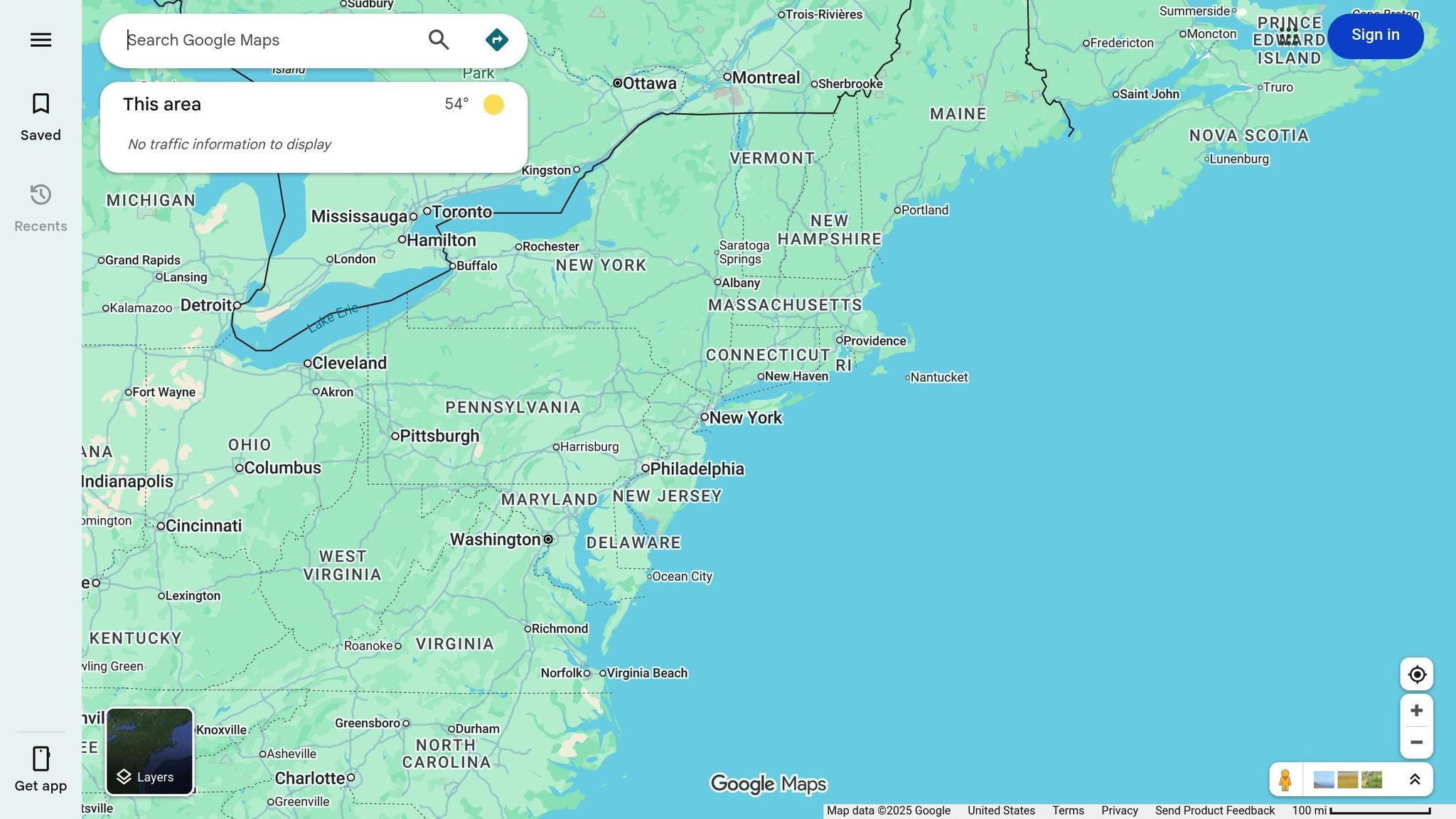
What is Google Maps Lead Scraping?
Using Google Maps to gather business data has become a game-changer for lead generation and email outreach. Google Maps lead scraping is the process of automatically pulling business details from Google Maps listings [1][2][5]. Instead of manually copying information, specialized tools can extract thousands of records in just minutes.
These tools can collect up to 32 data points, including business names, addresses, phone numbers, websites, reviews, ratings, operating hours, and even social media profiles - all in a matter of minutes [7].
Here’s how it works: you set specific search criteria like “HVAC companies within 15 miles of Phoenix, AZ,” and the scraping tool takes over. It searches Google Maps, processes the results, and exports all the relevant business data into a spreadsheet or database [1][2]. No more tedious manual data entry.
The efficiency of this method is unmatched. Automated scraping can generate up to 10 times more leads compared to manual methods [8]. Some tools can even pull thousands of leads in seconds, allowing businesses to create extensive prospect lists for entire cities or regions.
This wealth of data is the foundation for targeted outreach strategies, as explored next.
Why Google Maps Data Helps Local Service Businesses
For local service businesses, Google Maps data is a goldmine for targeted marketing. As one of the most accurate and up-to-date business directories, Google Maps is invaluable for companies focused on specific geographic areas [5][6]. Its frequently updated and verified data ensures that contact details are reliable and ready for outreach campaigns [5].
Industries like janitorial services, landscaping, HVAC, and catering rely heavily on location-specific targeting [5][6]. With Google Maps data, these businesses can zero in on prospects within their service areas, ensuring that every lead is relevant and within reach.
The platform offers over 500+ business categories, along with filters for customer ratings, operating hours, and ZIP codes [7][8][9]. For instance, a janitorial service could target only medical offices with 4+ star ratings that are currently open, avoiding wasted efforts on closed businesses or unrelated industries.
Search Method | Listings Retrieved | Targeting Options | Time Required |
|---|---|---|---|
Manual Search | 120 per search | Basic location/category | Hours |
Google Maps API | 20–60 per query | Limited filters | Moderate |
Automated Scraping | Thousands | Advanced filtering | Minutes |
Unlike outdated directories or government filings, Google Maps reflects real-time business changes. When businesses move, update phone numbers, or change services, those updates typically appear on Google Maps within days. This ensures that your lead lists stay accurate, actionable, and ready to use [5].
Scrape UNLIMITED Free Google Maps Leads & Automate Personalized Outreach!
Email Automation: Converting Leads into Customers
Once you've gathered leads from Google Maps, email automation becomes the key to transforming those prospects into paying customers. By automating and personalizing your outreach, you can streamline the entire process and achieve better results.
How Email Automation Works
Email automation simplifies outreach by creating an efficient system to handle the entire process. After you've collected leads from Google Maps, the system automatically imports the data and kicks off targeted email campaigns. If a prospect doesn't respond to the first email, follow-up messages are sent at pre-set intervals. This ensures consistent and timely communication with every lead.
The time-saving benefits of automation are undeniable [3]. By taking over repetitive tasks, your team can focus on closing deals and building relationships with current customers. Meanwhile, the system delivers consistent outreach at scale, reaching hundreds - or even thousands - of prospects without the need for additional manpower.
Take this example: A landscaping company in Miami used automated workflows to manage 1,200 leads, boosting their monthly revenue by $14,500 in just two weeks [3][2]. Modern platforms also track key metrics, helping businesses refine their campaigns for even better results over time [3].
Adding personalization to these automated emails takes the effectiveness to another level, making your messages feel more relevant and engaging to individual prospects.
Why Personalized Emails Work Better
Mass emails that lack a personal touch often fail to make an impact. On the other hand, emails that address recipients by name and include specific details about their business feel more genuine - and perform significantly better.
AI tools make this level of personalization possible by analyzing lead data to craft tailored content for each prospect. For instance, a janitorial service targeting local businesses might send an email like this:
"Hi [Name], I noticed [Business Name] in [City] has some great reviews! We specialize in helping businesses like yours maintain a spotless environment. Would you like a free quote?"
By mentioning specific business details, the email feels custom-made, which grabs attention. Personalized campaigns like this have been shown to achieve open rates up to 29% higher and response rates up to 50% higher than generic, manual outreach [7].
Here’s a real-world example: In July 2023, a janitorial services company in Dallas used an automated system to scrape 2,500 local business leads from Google Maps, verify their email addresses, and launch a personalized campaign. Over 30 days, they saw an 18% response rate, booked 47 new client meetings, and secured $36,000 in new contracts [7].
The secret to their success? Combining accurate lead data with AI-powered personalization. Instead of just inserting names, they included relevant details, like a restaurant's glowing reviews or specific outdoor cleaning needs. This approach made their emails feel thoughtful and compelling, driving better engagement and results.
Complete Process: From Google Maps Data to Email Campaigns
Transforming Google Maps data into a successful email campaign involves three key phases: gathering leads, organizing the information, and launching the campaign. Each phase builds upon the last, creating a streamlined process to convert prospects into customers.
Collecting Leads from Google Maps
Relying on manual methods to gather leads is often inefficient. These approaches typically yield only a small number of listings, which isn’t practical for businesses needing hundreds - or even thousands - of leads.
Automated scraping tools solve this limitation by extracting data directly from Google Maps. These tools can collect up to 32 data points per business, including names, addresses, phone numbers, email addresses, websites, reviews, ratings, and business categories [7]. With a variety of tools available, businesses can choose an option that fits their needs and scale.
For those without technical expertise, no-code platforms like Make.com and n8n offer an accessible solution. These platforms allow users to create custom workflows through visual interfaces, simplifying the automation process. Paired with tools like Google Sheets for data storage, they offer a cost-effective way to generate significantly more leads compared to manual efforts - up to 10 times more [4][8].
The right approach depends on factors like technical skills, budget, and the volume of leads required. Small businesses might start with browser extensions, while larger operations often turn to dedicated scraping tools or fully automated solutions.
Once the data is collected, it’s crucial to verify and organize it before moving forward.
Organizing and Importing Lead Information
Raw data from scraping tools needs to be cleaned and structured before it’s ready for outreach. Poorly organized data can lead to high email bounce rates, damaging your sender reputation.
Start by cleaning the data: remove duplicates, standardize formats, and verify essential fields like email addresses [2][3]. Tools such as Google Sheets or Airtable are excellent for sorting and validating this information. Email verification tools can also ensure that emails are deliverable, protecting your campaigns from unnecessary issues.
Data enrichment can further enhance your leads by adding extra details not captured during the initial scrape. For instance, you can use LinkedIn to find decision-makers’ names, add business registration details, or gather additional contact information. Cross-referencing this data with local business registries ensures accuracy and completeness [2][5].
Well-organized lead data should include fields like the business name, contact person, email address, phone number, business category, location, and any relevant notes about the prospect. With this refined data, you’re ready to create personalized email campaigns.
Creating AI-Powered Email Campaigns
Once your data is cleaned and organized, it’s time to import it into an AI-driven email automation platform to launch targeted campaigns.
Setting up the campaign involves uploading your leads into an email system. Most platforms accept standard file formats like CSV or Excel, making the process simple and efficient.
AI tools then use the lead data to craft personalized messages tailored to each recipient. For example, if an HVAC company is targeting restaurants, the email might highlight the importance of maintaining a comfortable climate for diners. On the other hand, emails to office buildings might focus on energy efficiency and employee productivity.
Automated workflows ensure smooth communication. If a prospect doesn’t respond to the first email, the system can send follow-up messages at pre-set intervals, maintaining consistent outreach without requiring manual intervention. This allows your team to focus on responding to interested leads and closing deals.
Platforms like Cohesive AI simplify the entire process by combining lead scraping, data enrichment, and AI-driven email campaigns into one system. By automating each step - from gathering leads on Google Maps to managing email outreach - these platforms eliminate the hassle of juggling multiple tools, ensuring a seamless workflow. This approach is particularly effective for local service businesses, streamlining lead nurturing and boosting campaign success [5].
Email Marketing Best Practices for Scraped Leads
Once you've automated your campaigns, it's crucial to follow proven strategies to ensure your emails not only land in inboxes but also engage local businesses effectively. Reaching out to local businesses using scraped leads requires more than just hitting "send." You need to comply with legal guidelines and optimize your approach to achieve meaningful responses.
Staying Compliant with US Email Marketing Laws
The CAN-SPAM Act sets the rules for commercial emails in the United States, and non-compliance can result in fines of up to $51,744 per email [10]. This makes it essential to adhere to the law when conducting email outreach.
Here are the key requirements:
Include your business name and a valid physical address in every email.
Use truthful subject lines that accurately represent the email's content - misleading or deceptive subject lines are strictly prohibited.
Provide an easy-to-find unsubscribe option. Make it simple for recipients to opt out of future communications.
Maintaining a record of unsubscribed contacts is equally important. Accidentally contacting someone who has opted out can harm your sender reputation and erode trust with potential customers.
When using scraped data, ensure you're only reaching out for legitimate business purposes. Avoid sharing or selling personal information without consent, and verify the accuracy of your contact list. Sending emails to generic addresses like "info@" or "admin@" often fails to connect with decision-makers and can hurt your campaign's effectiveness. Beyond compliance, paying attention to technical details can further improve your email deliverability.
Boosting Email Delivery and Response Rates
To make sure your emails land in inboxes and get noticed, you'll need to focus on both technical setup and content quality.
Verify email addresses: This can cut bounce rates by up to 60% and safeguard your sender reputation [7].
Warm up your domain: If you're starting fresh, don't send thousands of emails all at once. Gradually increase your sending volume over several weeks to establish your domain as trustworthy in the eyes of email providers.
Authenticate your domain: Setting up SPF, DKIM, and DMARC records is essential. These authentication protocols prove that your emails are legitimate and help avoid spam filters.
Use a professional email service: Opt for a reputable provider instead of free accounts like Gmail or Yahoo for business outreach.
Personalization is another game-changer. Tailoring emails with details like a business's name, location, or industry can increase response rates by up to 50% compared to generic messages [7]. For example, instead of starting with "Dear Business Owner", try something like "Hi [Business Name] team" or address the recipient by name if available.
To avoid being flagged as spam, steer clear of trigger words, limit the use of images and attachments, and maintain a balanced ratio of text to visuals. Keep an eye on bounce rates - if they exceed 5%, pause your campaign and clean your list before continuing.
Follow-up sequences are more effective than single emails. Plan a series of 3-5 emails, spaced 3-7 days apart, each offering unique value or addressing different challenges your audience might face. Track metrics like open rates, click rates, and replies to fine-tune your messaging.
Finally, consider platforms that offer managed email deliverability services. These tools handle complex tasks like domain warming and authentication, freeing you up to focus on crafting engaging content and building relationships with interested prospects. When combined with AI-driven personalization, these practices ensure your emails not only reach local businesses but also resonate with them, driving better engagement and results.
Cohesive AI: Complete Lead Generation and Email Automation
Handling lead generation and email outreach manually can be a huge drain on time and resources. That’s where Cohesive AI steps in. This platform takes care of everything - from collecting data (even from government filings) to automating email campaigns. Built specifically for local service businesses in the U.S., Cohesive AI streamlines lead generation while cutting out the need for pricey traditional agencies. It combines data gathering and outreach into a seamless process, ensuring each step works like clockwork.
Automated Lead Finding with Cohesive AI
Finding and verifying business leads manually can feel like searching for a needle in a haystack. Cohesive AI simplifies this with powerful algorithms that pull data from sources like Google Maps and government filings. The platform doesn’t just collect data - it verifies it. By cross-checking listings with official records, it ensures the information is accurate and meets U.S. business standards. Whether your focus is on residential businesses or commercial properties, the platform tailors its approach to match your goals.
AI Email Personalization and Campaign Management
Once the leads are in, Cohesive AI takes personalization to the next level. Its AI-driven email system crafts messages that reflect the unique details of each business, their location, and their industry challenges. These tailored messages are designed to resonate with local business owners, making your outreach feel personal and relevant.
For businesses looking to test different strategies, the platform supports up to three campaigns at once. This flexibility is a game-changer. For instance, an HVAC company could create separate campaigns targeting homeowners, property managers, and small businesses, each with messaging that speaks directly to their needs.
Cohesive AI also handles the technical side of email delivery. It takes care of domain warming, SPF/DKIM authentication, and bounce management, ensuring your emails land in inboxes - not spam folders. With features like real-time analytics, automated follow-ups, and compliance with CAN-SPAM Act regulations, you can focus on results without worrying about the logistics.
Clear Pricing and Response Guarantees
Cohesive AI keeps things simple with straightforward pricing. For $500 per month, plus a one-time $75 onboarding fee, you get access to the full suite of tools. There are no hidden costs - no per-lead charges or percentage-based fees. This flat-rate model makes it easy to plan your budget.
Even better, the platform guarantees at least four interested responses per month. If you don’t hit that number, you’ll get a free month of service credit. And because there are no long-term contracts, you can adjust your usage based on your business’s needs - whether you’re scaling up for a busy season or dialing back during a slower period.
With unlimited lead scraping, AI-powered email personalization, campaign management, and dedicated technical support all included, Cohesive AI brings everything you need into one affordable, easy-to-use platform. It’s a comprehensive solution that simplifies lead generation while keeping costs predictable.
Conclusion: Better Outreach for Local Service Growth
Pairing Google Maps lead generation with email automation is reshaping how local service businesses connect with potential customers. This strategy isn’t just efficient - it’s transformative. Businesses can generate 10 times more leads compared to manual prospecting, all while keeping costs low. With automated systems, thousands of highly-targeted leads across multiple locations can be captured simultaneously[8].
The results speak for themselves. Take the example of an HVAC company that embraced automated lead generation and AI-powered personalized campaigns. In just three months, they boosted their monthly revenue by 40%. Their success came from focusing on precise targeting rather than casting a wide, impersonal net.
For small businesses, this approach is not only effective but also budget-friendly. The methods outlined here allow for full-scale campaigns for less than $100 per month, a stark contrast to the thousands typically charged by traditional agencies. Tools like Cohesive AI simplify things further, offering a flat $500 monthly rate. This predictable pricing eliminates the financial guesswork that often complicates small business marketing efforts.
What sets this strategy apart is the combination of automation and personalization. Emails that address specific business needs, tackle local challenges, and speak directly to industry pain points consistently outperform generic mass mailings. Plus, built-in compliance features ensure adherence to U.S. email laws like the CAN-SPAM Act, helping businesses maintain professionalism and build trust with prospects.
As AI technology continues to evolve, its impact on local service businesses will only grow. With advancements in personalization, predictive analytics, and integration with local data, companies embracing these tools will stay ahead of competitors still relying on outdated manual outreach.
Integrating Google Maps data with email automation isn’t just about saving time - it’s about setting the stage for sustainable growth. By automating lead generation and crafting personalized outreach, businesses can shift their focus to what truly matters: delivering exceptional service and scaling their operations effectively.
FAQs
What makes Google Maps lead scraping unique compared to traditional lead generation methods?
Google Maps lead scraping, utilized by Cohesive AI, simplifies the way local business leads are gathered. Instead of relying on expensive and time-consuming methods like hiring agencies or manually searching for potential clients, this approach automates the process of finding local business owners and their contact information.
Cohesive AI makes it easier to focus on industries such as janitorial services, landscaping, HVAC, and catering. By combining the scraped data with AI-powered tools for email personalization and campaign management, it offers an efficient and streamlined way to execute outreach strategies for local service businesses.
How can AI-powered email automation benefit local service businesses?
AI-driven email automation simplifies lead generation and outreach for local service businesses. With tools like Cohesive AI, companies can automatically locate potential leads on platforms like Google Maps, extract email addresses, and craft customized cold emails with AI assistance.
This method not only saves time but also ensures better targeting and boosts the success rate of email campaigns. It's especially useful for industries like janitorial services, landscaping, HVAC, and catering, where building relationships with local business owners is crucial for expanding their reach.
How can businesses stay compliant with US email marketing laws when using leads from Google Maps?
To stay compliant with U.S. email marketing laws like the CAN-SPAM Act, businesses need to follow some essential practices when reaching out to leads sourced from Google Maps. First and foremost, always secure consent where it's required. Make sure your emails include a straightforward way for recipients to opt out of future messages, and avoid any misleading subject lines or content.
It's also important to keep detailed records of where and how you obtained your leads. Personalize your emails thoughtfully, and steer clear of sending mass emails that might trigger spam filters. Sticking to these guidelines helps you run effective campaigns while staying within legal and ethical boundaries.