Best Tools for Monitoring Email Deliverability 2025
Oct 9, 2025
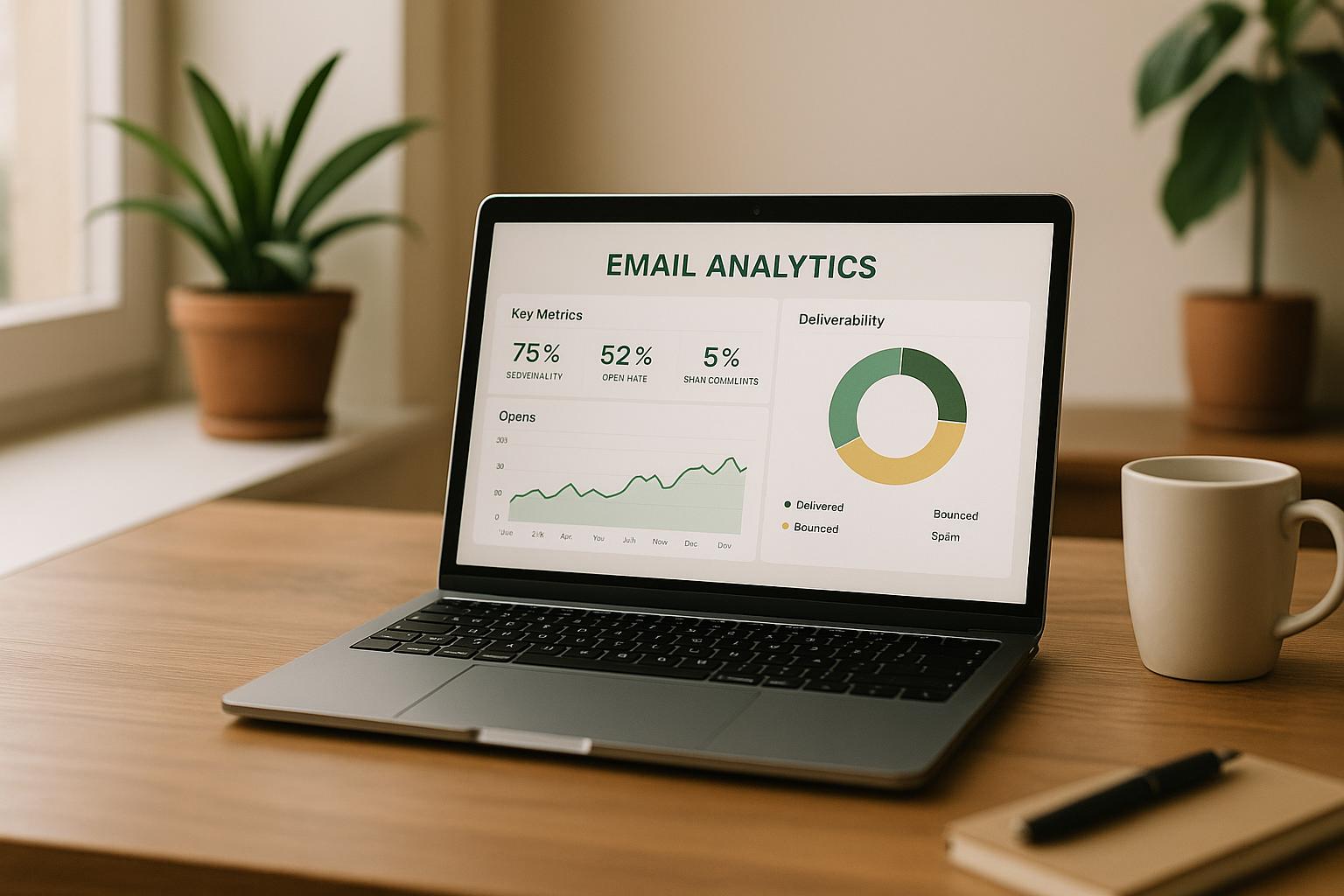
Want your emails to land in inboxes, not spam folders? By 2025, stricter email provider rules and complex protocols like SPF, DKIM, and DMARC make deliverability monitoring essential. Whether you're a small business or manage large campaigns, these tools ensure your emails reach the right audience.
Top Tools for Email Deliverability:
GlockApps: Advanced inbox placement testing, spam analysis, and authentication monitoring. Starts at $49/month.
Google Postmaster Tools: Free Gmail-specific insights for domain and IP reputation.
MxToolbox: Comprehensive DNS and server monitoring. Free basic tools; Pro plans from $139/month.
ZeroBounce: Focused on email validation and blacklist checks. Pay-as-you-go pricing starts at $18 for 2,000 credits.
Cohesive AI: Tailored for local service businesses, combining lead generation with deliverability monitoring. Subscription-based pricing.
Quick Comparison:
Tool | Key Features | Pricing | Best For |
|---|---|---|---|
GlockApps | Inbox tracking, spam testing, DMARC checks | $49/month+ | Medium-sized businesses |
Google Postmaster Tools | Gmail-specific metrics | Free | Small businesses using Gmail |
MxToolbox | DNS/server diagnostics, blacklist alerts | Free/$139/month+ | IT teams, larger organizations |
ZeroBounce | Email validation, spam trap detection | $18/2,000 credits | Businesses needing list hygiene |
Lead generation, blacklist monitoring | Subscription | Local service providers |
Key Takeaways:
Small businesses can start with Google Postmaster Tools or ZeroBounce for affordability.
Medium businesses benefit from GlockApps for detailed analytics.
Local service providers should consider Cohesive AI for its industry-specific focus.
Choose the right tool to protect your sender reputation and maximize your email marketing ROI.
My InboxAlly Review 2025: The Best Email Deliverability Tool?
What to Look for in Email Deliverability Monitoring Tools
For local services like HVAC and landscaping, email deliverability tools can be a game-changer for managing campaigns effectively. Choosing the right tool not only protects your revenue but also safeguards your reputation. Here’s a breakdown of the must-have features to look for when selecting a monitoring tool.
Inbox placement tracking is critical. You need to know where your emails end up - whether it's the inbox, spam folder, or promotional tab. Top tools test your emails across major providers like Gmail, Outlook, Yahoo, and Apple Mail, while also accounting for different email clients and mobile devices. After all, your customers access emails from a variety of platforms.
Real-time spam score analysis is another key feature. These tools analyze your email content, subject lines, and sender reputation to predict potential deliverability issues before they escalate. This allows you to address problems early, ensuring your emails reach their intended audience.
Authentication monitoring has become non-negotiable in 2025. Tools should continuously check your SPF, DKIM, and DMARC records to confirm they’re correctly configured. If these records fail, your emails may be flagged as suspicious or blocked entirely. A good tool will immediately alert you to any authentication issues and offer clear steps to resolve them.
Detailed analytics set professional tools apart. Look for granular data that breaks down deliverability rates by provider, geographic location, and even time of day. Historical trends can help you spot patterns, such as recurring dips in performance or differences across email providers. This data is invaluable for fine-tuning your campaign timing and audience segmentation.
Blacklist monitoring is essential for protecting your sender reputation. If your IP address or domain gets flagged on a spam blacklist, your deliverability can plummet instantly. Quality tools monitor dozens of blacklists and notify you within minutes if you’re listed. They should also provide step-by-step instructions to help you get delisted quickly.
Ease of use is a must. A user-friendly interface that highlights key deliverability metrics saves time and minimizes errors. The best tools display critical information upfront, such as deliverability rates, recent alerts, and trending issues, without overwhelming you with complicated dashboards.
Integration capabilities make your workflow seamless. Whether you’re using Mailchimp, Constant Contact, or a custom platform, your monitoring tool should automatically pull data without requiring manual uploads. API access can also be a huge plus, enabling you to create custom dashboards or automate responses to issues.
Pricing structure is another factor to weigh carefully. Some tools charge per email tested, others offer monthly subscriptions, and a few provide unlimited monitoring for a flat rate. Consider how often you send emails and compare costs. Also, check whether the tool charges per user or includes multiple seats, especially if you have a team managing campaigns.
Customer support quality can make or break your experience. Small and medium-sized businesses, in particular, benefit from providers that offer phone support and access to deliverability experts. These experts can analyze your specific situation and recommend actionable fixes.
Compliance features help you avoid legal headaches. A good tool will flag potential issues related to regulations like CAN-SPAM and GDPR, ensuring your emails meet unsubscribe and content guidelines.
Ultimately, the best tool for your business depends on your specific needs. A landscaping company sending 500 emails weekly will have different requirements than an HVAC contractor managing 10,000 emails a month. Choose a tool that fits your current needs but leaves room for growth as your business expands.
1. GlockApps
GlockApps is a tool designed to help you keep your email domain secure and your messages trustworthy. It provides free tools to check SPF, DKIM, and DMARC records, ensuring your emails are properly authenticated. One standout feature is its DMARC Analyzer, which breaks down both aggregate and forensic reports. This gives you a clear picture of your email traffic, verifies if senders are legitimate, and flags any authentication problems. By identifying unauthorized senders and addressing these issues, GlockApps helps protect your domain and brand while improving your email deliverability across various platforms.
Authentication Checks (SPF, DKIM, DMARC)
The DMARC Analytics feature plays a critical role in spotting unauthorized senders, fixing authentication problems, and managing email traffic. This helps safeguard your domain and maintain your brand's reputation [1]. With DMARC adoption on the rise - 5.566 million users had valid DMARC records in 2022 [2] - keeping a close eye on authentication has become more important than ever for ensuring your emails land where they’re supposed to.
2. Google Postmaster Tools
Google Postmaster Tools is a free resource designed to give you valuable insights into email deliverability specifically for Gmail. With Gmail being a dominant player in the email space, keeping tabs on your deliverability metrics there is essential. To get started, you’ll need a Google Account and to verify your domain by adding DNS records - an easy process that makes the tool accessible to businesses of all sizes.
What sets this tool apart is its ability to pinpoint the exact reasons behind Gmail delivery issues. Instead of guessing why your emails aren’t landing in inboxes, you’ll get detailed, actionable data on problems like rate limits or suspicious activity blocking email delivery [3]. This insight allows you to quickly address problems and improve your email campaigns - especially important if Gmail plays a key role in your lead generation efforts.
Inbox Placement Tracking
This feature shows the percentage of your emails that land in Gmail inboxes compared to those flagged as spam or outright rejected [3]. Keep in mind, the data is specific to Gmail recipients.
Spam and Reputation Monitoring
The spam rate dashboard gives you a clear view of how recipients engage with your emails - whether they’re ending up in inboxes or being marked as spam [4]. This metric is critical because it directly affects your sender reputation and future email deliverability. For bulk senders, Google expects spam rates to stay below 0.3%, though the industry standard is even stricter at 0.1% [4]. It’s worth noting that the tool focuses exclusively on Gmail’s internal metrics and doesn’t track external blacklists.
Authentication Checks: SPF, DKIM, and DMARC
Google Postmaster Tools monitors your email authentication protocols, such as SPF, DKIM, and DMARC. It provides feedback if your setup needs adjustments, marked as "Needs work." Addressing these issues ensures your emails meet Google’s compliance standards [4]. While it doesn’t replace broader deliverability tools, it’s an excellent complement for Gmail-specific monitoring.
Cost and Suitability for Small Businesses
One of the best parts? Google Postmaster Tools is completely free, making it an excellent choice for small and medium-sized businesses. After verifying your domain via DNS, the tool is most effective for businesses that send a high volume of emails to Gmail users. Aim for Medium or High ratings (yellow and green) in the IP and domain reputation dashboards - lower ratings could signal that ISPs don’t yet recognize you as a trusted sender [4].
3. MxToolbox
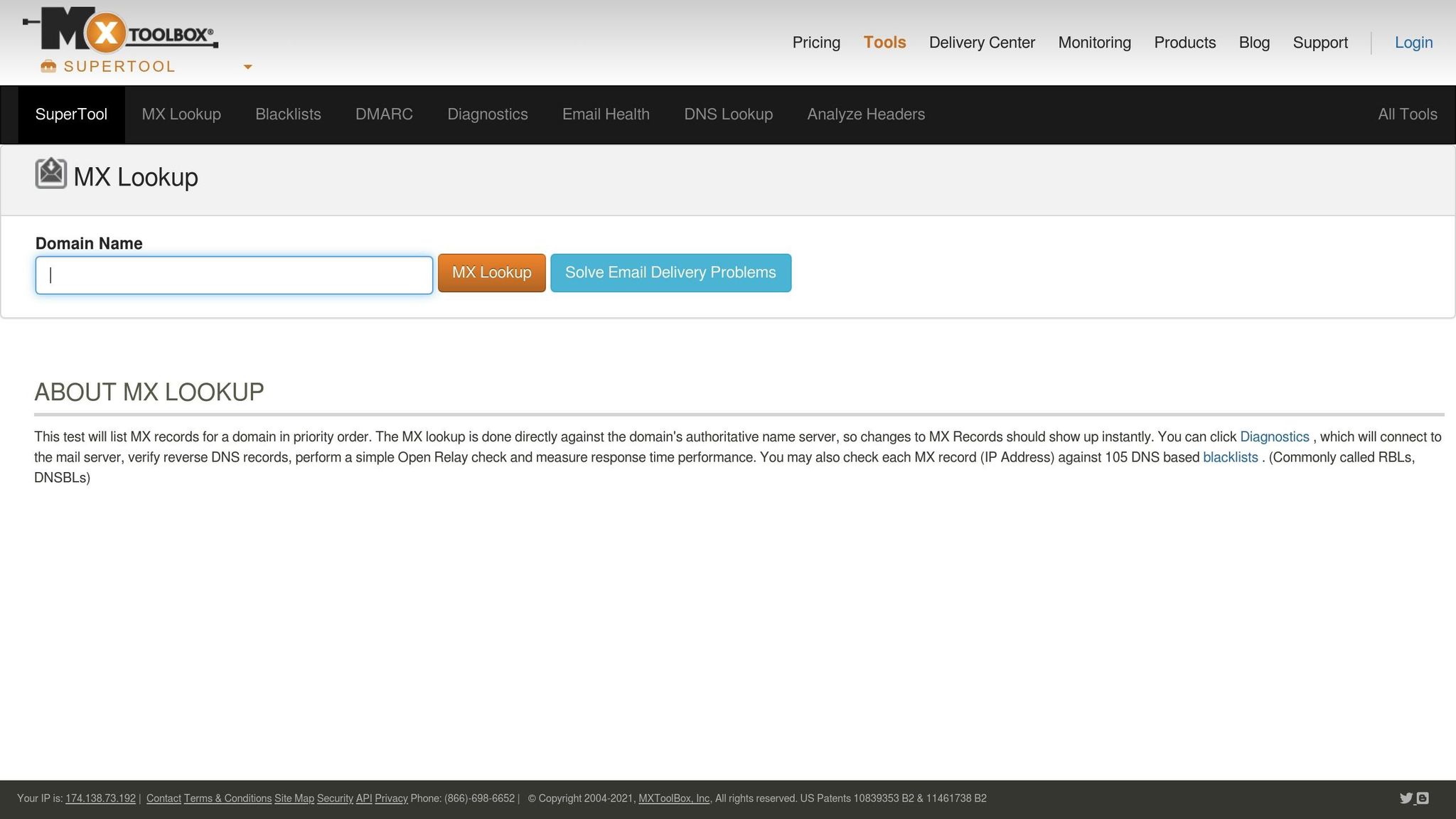
MxToolbox is a powerful platform designed to verify SPF, DKIM, and DMARC records, making it an essential tool for small and medium-sized businesses (SMBs), especially those without dedicated IT teams. Its streamlined approach helps establish a solid security framework by offering all the necessary tools in one convenient dashboard.
Authentication Checks (SPF, DKIM, DMARC)
With MxToolbox, you get a full suite of tools to manage your SPF, DKIM, and DMARC records. The DMARC Check Tool allows you to look up and verify your DMARC records, giving you instant feedback on whether your setup is configured correctly [5][8]. For those creating new records, the DMARC Generator is a game-changer. It simplifies the process by letting you customize policies, set enforcement levels, and assign reporting addresses through an easy-to-use interface. Plus, it provides real-time feedback and suggestions to help you catch mistakes before your records go live [8].
The platform also includes SPF Check & SPF Lookup tools to verify Sender Policy Framework records and a DKIM Check tool for DomainKeys Identified Mail verification [6][7][8]. By integrating these tools, MxToolbox reduces the risk of setup errors and strengthens your email security protocols [8].
Pricing and SMB Suitability
MxToolbox offers flexible pricing plans, including both free and paid options. The free version provides basic lookup tools and limited monitoring, which can be a good starting point for smaller businesses exploring email authentication. For those needing more advanced features, the paid plans deliver enhanced functionality. Businesses using MxToolbox have reported up to a 30% improvement in email deliverability rates [8].
For SMBs, MxToolbox strikes the perfect balance between functionality and simplicity. Its tools are robust enough for enterprise-level needs yet intuitive enough for users without technical expertise, making it a practical choice for businesses of all sizes.
4. ZeroBounce
ZeroBounce is an email deliverability platform designed to improve how well your emails reach their intended recipients. With tools like inbox placement testing and blacklist monitoring, it helps you maintain clean email lists and protect your sender reputation. Let’s break down its main features and pricing.
Inbox Placement Tracking
ZeroBounce's inbox placement testing shows where your emails end up - whether in the inbox, spam folder, or elsewhere - across major providers like Gmail, Yahoo, Outlook, and Apple Mail. Depending on your plan, you get a set number of tests: the Starter plan includes 50 inbox tests per month, while the Team plan doubles that to 100. Each test generates a detailed report so you can identify and fix deliverability issues before they impact your email campaigns [9][10][11].
Spam/Blacklist Monitoring
This feature scans more than 100 major blacklists to ensure your sender domain or IP isn’t flagged. The frequency of scans depends on your plan: the Starter plan performs scans every 12 hours, while the Team plan increases the frequency to every 10 hours [9][10][11].
Authentication Checks (SPF, DKIM, DMARC)
ZeroBounce helps safeguard your email reputation by continuously verifying essential authentication records like SPF, DKIM, and DMARC. These checks ensure your mail server is properly configured and meets industry standards. The Starter plan supports up to 2 domains, while the Team plan extends coverage to 5 domains [9][10][11].
Pricing and SMB Suitability
ZeroBounce offers pricing options that cater to small and medium-sized businesses. Its Freemium plan is a great starting point, offering 100 free email validation credits per month along with basic tools, such as one inbox test, one email server test, and daily blacklist scans [9][10][11].
For more advanced needs, the Starter plan costs $39 per month (billed annually) or $49 on a monthly basis. The Team plan, designed for larger operations, is priced at $79 per month annually or $99 monthly. This plan includes extras like 250 daily warmup actions and 10 warmup accounts [9][10][11].
For those with sporadic or project-based needs, ZeroBounce provides a pay-as-you-go option. Pricing starts at $18 for 2,000 credits (about $0.009 per email), with discounts of up to 75% for higher-volume purchases. While the $18 minimum may feel steep for very small projects, the credits never expire, making it a cost-effective choice for long-term use [10][11].
5. Cohesive AI
Cohesive AI is crafted specifically for local service businesses like janitorial services, landscaping, HVAC, catering, and business brokerage. It addresses the unique challenges of proactive outreach by combining AI-powered lead generation with tools that monitor email deliverability. What sets it apart is its ability to mine data from Google Maps and public records, then use AI to craft personalized cold emails. This means it’s not just about sending emails - it’s about creating campaigns that actually connect with potential leads. By focusing on essential deliverability practices, Cohesive AI offers a tailored solution that works well for local service providers.
Spam/Blacklist Monitoring
One standout feature is its ability to automatically monitor for blacklist issues. If a campaign risks being flagged, the platform sends alerts and pauses the campaign, allowing you to fix problems before they impact your outreach. This feature is especially useful for time-sensitive campaigns. For instance, janitorial companies can use the platform to systematically contact office building managers, ensuring their emails land in inboxes - not spam - at the right time.
Pricing and SMB Suitability
Cohesive AI is designed with small and medium-sized service businesses in mind, offering an affordable subscription model that’s a great alternative to traditional lead generation agencies. With its pay-for-performance approach, you’re paying for results - like better deliverability and high-quality leads - not just for sending out a large volume of emails. This pricing structure helps businesses maintain a strong return on investment for their lead generation efforts.
Tool Comparison Chart
Considering the earlier discussion on deliverability challenges, the chart below breaks down the features, pricing, and suitability of various tools to help you choose the best one for your needs.
Tool | Key Features | Pricing | Best For | Pros | Cons |
|---|---|---|---|---|---|
GlockApps | Inbox placement testing, spam filter analysis, authentication checks | Starting at $49/month | Medium businesses with dedicated email teams | Detailed testing and reporting | Higher cost, steep learning curve |
Google Postmaster Tools | Domain reputation monitoring, IP reputation tracking, delivery errors | Free | All business sizes using Gmail recipients | No cost, direct insights from Google | Limited to Gmail data only |
MxToolbox | DNS blacklist monitoring, email server testing, network diagnostics | Free basic plan, Pro starts at $139/month | IT professionals and larger organizations | Extensive network tools, real-time monitoring | Complex interface, expensive premium features |
ZeroBounce | Email validation, bounce detection, spam trap identification | Pay-per-use starting at $15 for 2,000 credits | Businesses focused on list hygiene | High accuracy, flexible pricing | Limited monitoring features, credit-based system |
Cohesive AI | Automated blacklist monitoring, campaign pause alerts, lead generation integration | Subscription model with pay-for-performance approach | Local service businesses (HVAC, janitorial, landscaping) | Industry-specific focus, automated protection | Limited to service business sectors |
Each tool caters to specific needs, making it easier to address the unique requirements of businesses across different sizes and industries.
Pricing and Audience Fit
Pricing structures vary significantly. Google Postmaster Tools stands out as the most affordable option since it’s free, making it ideal for small businesses that are just beginning to monitor email deliverability. However, it only provides insights for Gmail recipients. On the opposite end, MxToolbox offers a professional plan starting at $139/month, which includes advanced diagnostics for larger organizations needing in-depth infrastructure monitoring.
Feature Comparison
The depth of features also sets these tools apart. GlockApps shines with its comprehensive inbox placement testing, showing how emails perform across various providers. Meanwhile, MxToolbox focuses on infrastructure, helping businesses monitor DNS issues and server performance. ZeroBounce specializes in email list validation, which is critical for protecting sender reputation, though it doesn’t offer continuous campaign monitoring.
For businesses in service industries like HVAC or landscaping, Cohesive AI offers a tailored solution. It combines automated deliverability monitoring with AI-powered lead generation, allowing businesses to pause campaigns automatically if issues arise.
Ease of Use and Integration
Ease of use is another important factor. Google Postmaster Tools requires minimal setup and provides easy-to-understand metrics, making it accessible for any business owner. On the other hand, tools like GlockApps and MxToolbox offer advanced features that could overwhelm users without technical expertise in email marketing.
Integration capabilities also influence tool selection. Cohesive AI combines lead generation with deliverability monitoring for a streamlined workflow, while ZeroBounce focuses on email list validation that integrates well with existing platforms. Google Postmaster Tools, however, remains limited to Gmail-specific insights.
Recommendations Based on Business Size
When selecting a tool, consider your email volume and technical capacity:
Small businesses sending under 10,000 emails monthly: A combination of Google Postmaster Tools and basic ZeroBounce validation works well.
Medium-sized businesses with dedicated marketing teams: GlockApps provides a robust testing suite to optimize deliverability.
Local service businesses conducting regular outreach: Cohesive AI delivers industry-specific solutions that align with their unique needs.
Choosing the right tool ensures your email campaigns stay effective while addressing the specific challenges of your business.
Conclusion
Finding the right email monitoring tool can make all the difference in ensuring your emails land in inboxes and drive revenue. Here’s a quick rundown of how different tools can meet specific needs.
For small businesses, Google Postmaster Tools and ZeroBounce offer free or pay-as-you-go options that are perfect for limited budgets and lower email volumes. If you’re a medium-sized company with a dedicated marketing team, GlockApps provides detailed inbox placement testing to refine your campaigns. Meanwhile, local service businesses might find Cohesive AI particularly helpful, as it combines deliverability monitoring with AI-driven lead generation, simplifying operations by reducing the need for multiple platforms.
While free tools can provide a solid starting point, businesses heavily invested in email marketing often require the advanced features that come with paid solutions. Choosing the right tool is an investment in protecting your sender reputation and ensuring your emails consistently reach their intended audience.
Take a moment to evaluate your current email strategy and select the monitoring solution that aligns with your goals and budget. It’s a step toward better deliverability and stronger results.
FAQs
What should small businesses look for in an email deliverability monitoring tool?
When selecting an email deliverability monitoring tool, small businesses should focus on features that enhance sender reputation and ensure emails land in inboxes. Pay attention to metrics such as inbox placement rates, bounce rates, and spam complaints, as these are crucial for evaluating email performance.
Choose tools that provide pre-send testing, support authentication protocols like SPF and DKIM, and integrate smoothly with your current systems. It's also wise to pick a solution that can grow with your business. These capabilities help small businesses fine-tune their email campaigns and stay connected with their audience effectively.
Why are SPF, DKIM, and DMARC important for email deliverability in 2025?
In 2025, SPF, DKIM, and DMARC are essential tools for making sure your emails land where they’re supposed to - your recipient’s inbox. These authentication protocols confirm that your emails are genuine and not being misused for phishing or spoofing. When you implement them, you not only strengthen trust with email providers but also lower bounce rates and reduce the chances of your messages being marked as spam.
Setting these protocols up correctly is key to keeping your email deliverability rates high. They safeguard your domain’s reputation and ensure your emails are sent securely and reliably.
Why is monitoring your email blacklist status essential, and how does it impact email marketing campaigns?
Monitoring whether your email address or domain is blacklisted is essential because it directly impacts your email deliverability. If flagged, your messages might land in spam folders or, worse, never reach your recipients. This can disrupt your campaigns and harm your sender reputation, making it even tougher to connect with your audience down the line.
Regularly checking your blacklist status allows you to catch and address problems early, preventing them from spiraling into bigger issues. Taking a proactive stance helps ensure your emails consistently make it to your audience's inbox, keeping engagement levels high and your email marketing efforts on track.