Google Maps Scraping for AI Lead Discovery
Dec 5, 2025
Want to scale your local business leads effortlessly? Google Maps holds a wealth of business data that, when paired with AI, can supercharge your lead generation efforts. Here's the deal:
Google Maps is a massive database of local businesses, including contact info, service areas, and business categories.
AI tools automate the process, scraping data, cross-referencing for emails, and personalizing outreach.
This method saves time, reduces costs, and helps you focus on qualified leads in your target area.
By combining Google Maps data with AI, you can identify businesses by ZIP code, city, or radius, and send tailored emails that resonate with their needs. Tools like Cohesive AI handle the heavy lifting, from scraping to managing email campaigns, even offering guarantees like four interested responses per month.
How it works:
Scrape business data (name, address, phone, and category).
Use AI to find emails and craft personalized outreach.
Automate campaigns, follow-ups, and lead management.
This approach transforms lead generation for industries like janitorial services, HVAC, landscaping, and catering. Stay compliant with legal and ethical guidelines, and focus on results-driven campaigns that save time and boost conversions.
How I Extracted 100+ Leads from Google Maps Using AI Agent | n8n Workflow
Understanding Google Maps Data for Lead Generation
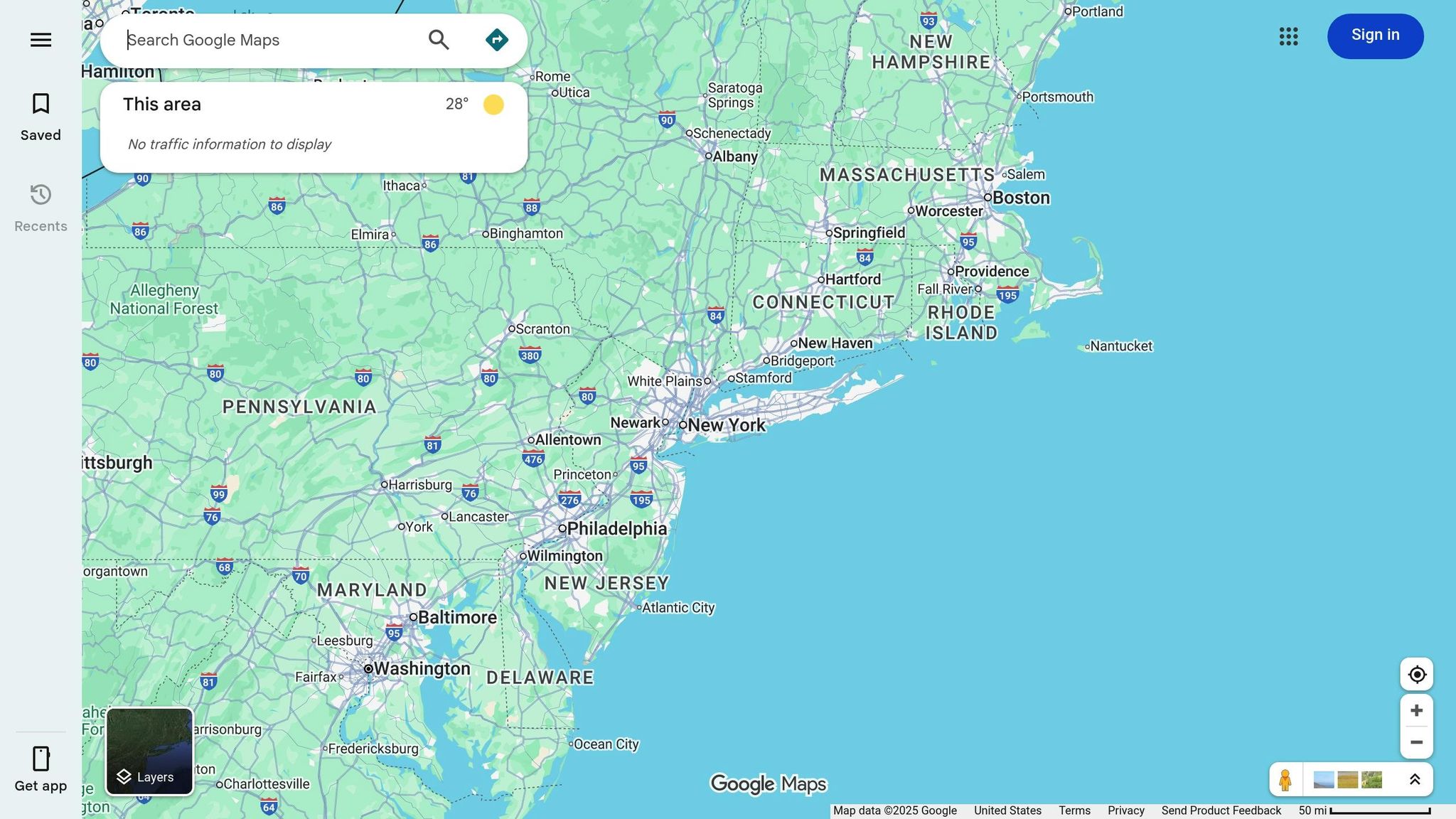
Google Maps isn’t just a navigation app - it’s a treasure trove of local business information that can help you create a laser-focused lead list tailored to your ideal customer profile.
Key Data Points to Extract
To make the most of Google Maps for lead generation, focus on gathering these critical details:
Business Name and Address: These basics confirm whether a prospect falls within your target service area.
Contact Information: While phone numbers are often listed, the real goal is to find owner emails. Direct email communication is crucial for effective outreach.
Business Categories: Narrowing down by specific categories like janitorial services, landscaping, roofing, or flooring ensures your list focuses on industries that align with your services.
By honing in on these data points, you can streamline your outreach efforts and turn location-based insights into actionable strategies.
The Value of Location-Based Data for US Businesses
Geographic information takes your lead generation to the next level. By filtering prospects by city, ZIP code, or even a specific radius, you can create a tailored list that aligns with both your operational capabilities and local regulations. This level of precision ensures your marketing resonates with the unique needs of each region you target.
Platforms like Cohesive AI simplify this process by automating Google Maps scraping. They extract critical business details - including owner emails - and apply geographic filters to identify local businesses in service industries such as janitorial, landscaping, roofing, and flooring. This automation allows you to focus less on data collection and more on closing deals, while AI fine-tunes and personalizes your outreach.
How to Scrape Google Maps for AI Lead Discovery
Scraping Google Maps for leads is a step-by-step process that combines technical know-how with careful adherence to legal guidelines. It begins with identifying a specific niche and geographic area - like janitorial services in Dallas, TX - and progresses through stages like data collection, cleaning, and exporting. Start by defining your search queries, picking a scraping method, running tests, setting rate limits, cleaning and removing duplicates, and finally exporting the data to your CRM or AI system.
To implement this, create a list of search URLs based on your chosen categories and locations. Programmatically load each page, extract structured fields, and standardize details like addresses and phone numbers to US formats. Errors should be logged for later review. Key fields, including ZIP codes and metro area names, are particularly crucial in the US. They help AI models group leads by territory, optimize routes for sales visits, and customize outreach based on local factors - whether it's suburban versus urban preferences or service radius limits for businesses like HVAC, landscaping, or janitorial services.
Tools and Techniques for Google Maps Scraping
Once your workflow is defined, the next step is selecting the right tools. Options range from beginner-friendly no-code platforms to advanced custom scripting, each offering different levels of control and complexity.
No-code tools: These platforms are ideal for non-technical users. With point-and-click interfaces and CSV export options, they make scraping accessible without programming skills. However, they often come with higher per-record costs and limited customization.
Custom scripts: For those with technical expertise, building scripts using Python or JavaScript provides full control. By incorporating headless browsers and rotating proxies, you can handle navigation, scrolling, and large-scale data extraction. While this method is cost-effective for scaling, it requires engineering knowledge and ongoing maintenance.
AI-powered platforms: For businesses looking to avoid technical hurdles, tools like Cohesive AI automate the entire process. These platforms scrape Google Maps and public business filings to compile detailed owner-level contact data for niches like janitorial, landscaping, HVAC, and catering. The structured data is then used to fuel AI models for personalized cold emails, follow-ups, and campaign management.
After scraping, it’s essential to standardize your records. This includes formatting US addresses, normalizing phone numbers (e.g., (555) 123-4567), and unifying business categories. Clean, consistent data ensures AI models can accurately infer details like business size (based on review counts), territory (using city and ZIP codes), and buying intent. Deduplication is also key to avoid contacting the same business multiple times, especially when searches overlap across neighboring ZIP codes.
Best Practices for Legal and Ethical Compliance
Scraping Google Maps comes with legal and ethical responsibilities that US businesses must address before starting large-scale projects.
From a technical perspective, it’s important to throttle requests, randomize intervals, and avoid behavior that resembles denial-of-service attacks. Use strategies like rotating IP addresses, avoiding logged-in sessions, and setting crawlers to back off when error rates increase. These measures reduce the chances of account suspensions or IP bans.
On the legal front, US courts generally separate public data scraping from criminal computer access. However, businesses should still consider potential issues like violating site terms of service, data protection rules, or causing technical harm. Focus on collecting business data rather than personal information, avoid scraping reviews for unnecessary personal details, and comply with privacy laws like the California Consumer Privacy Act (CCPA). Consulting legal counsel before launching any major project is always a smart move.
Ethical considerations are equally important. Clearly document your data sources and intended uses, and ensure that the data is only used for legitimate business-to-business outreach. Provide easy opt-out options for recipients and ensure that AI-generated communications are transparent, respectful, and not misleading. Frequency caps can prevent small business owners - like those running HVAC or janitorial services - from feeling overwhelmed by automated outreach.
To improve your process, track key metrics such as the number of valid leads per query, the percentage of records with phone or email data, and the deduplication rate. Combine this with downstream metrics like email open rates, reply rates, and cost per qualified lead. By analyzing these results alongside search terms, geographic areas, and messaging strategies, you can fine-tune your scraping efforts and AI-driven outreach. This ensures your campaigns focus on the areas and niches that consistently deliver the best returns.
Using AI to Personalize and Automate Lead Outreach
Once you’ve gathered and refined your data, the next step is turning that information into engaging, automated outreach. This is where AI steps in, transforming raw data into tailored messages that resonate with recipients. Instead of sending out the same generic email to every landscaping or HVAC company, AI uses specific details - like a business's location, services, or online reviews - to craft messages that feel personal and relevant. This approach helps your emails stand out in crowded inboxes.
The real magic happens when personalization is paired with automation. AI doesn’t just create one email - it can manage entire campaigns, schedule follow-ups based on how recipients interact, and fine-tune messaging over time using engagement data. For local service businesses in the US, this approach makes it possible to reach hundreds or even thousands of prospects without needing a large sales team or pricey marketing agency.
Personalizing Cold Emails with AI
Imagine you’re a janitorial service owner in Chicago or an HVAC contractor in Phoenix. If you receive a generic email that could’ve been sent to anyone, it’s likely going straight to the trash. AI changes this by using available business data to generate unique, personalized messages for every lead.
These tools analyze details like business type, location, ZIP code, review count, and website content to create emails that feel relevant. For instance, an email to a Dallas landscaping company might reference their focus on commercial properties and suggest strategies to secure more multi-location contracts. Meanwhile, a Phoenix janitorial service might receive an email highlighting their late-night operations and offering ways to book more after-hours facility contracts. The personalization feels natural because it’s based on public, business-related information - not anything invasive or overly personal.
Personalized subject lines can increase email open rates by 26% on average, according to benchmarks from popular email marketing platforms [1]. But personalization doesn’t stop at the subject line. Including specific details - like the recipient’s city or business type - can boost click-through rates by 10–20% in B2B campaigns targeting US businesses [1]. For example, a subject line like "Question about your HVAC service coverage in Austin" is far more effective than a generic "Grow your HVAC business."
AI platforms take a systematic approach to email generation, breaking down the process into key components: subject line, opening, body, and call to action. This allows the system to test multiple versions of each part and determine which combinations work best. For example, the opening line might mention a specific service the business offers or their service area, while the body focuses on a clear benefit - like securing more recurring contracts. The call to action is kept simple, such as suggesting a quick 10–15 minute call during the recipient's local business hours.
It’s important to keep personalization ethical and within legal boundaries. AI systems should avoid explicitly stating or implying that data was scraped, overusing sensitive details, or naming individual reviewers. Instead, they should stick to high-level, business-focused details like service type, city, or general reputation. For example, referencing a "strong online presence" rather than quoting specific reviews ensures the message feels professional, not intrusive.
Once personalization is in place, automation takes over to ensure every lead gets consistent follow-ups.
Automating Lead Management and Campaign Execution
AI doesn’t just personalize emails - it also handles the heavy lifting of managing campaigns and following up, turning cold leads into booked calls and closed deals without requiring constant manual effort.
AI-powered email sequences typically include 4–6 automated follow-ups over 2–3 weeks, with each message triggered by how the recipient interacts. For example, if a lead doesn’t respond within three business days, the system sends a shorter follow-up that reframes the offer. Later, a final check-in might include a simple yes/no option, like scheduling a call or clicking a calendar link. These sequences run automatically but can be adjusted for individual leads, ensuring small-business owners aren’t overwhelmed with excessive messages.
Automated email workflows can drive up to 320% more revenue than one-off campaigns, thanks to consistent follow-ups and behavior-based messaging [1]. Unlike manual outreach, which can miss follow-ups or send emails inconsistently, AI ensures every qualified lead gets the attention they deserve.
Once responses start coming in, AI tools also handle lead qualification and routing. Replies are categorized by interest levels - such as "interested", "not now", or "unsubscribe." Interested leads can be sent to a CRM with priority scores, while "not now" responses are placed into a longer-term nurture sequence. The system bridges lead qualification and scheduling, seamlessly connecting prospects to your sales team.
AI continuously optimizes campaigns by tracking metrics like open rates, reply rates, positive responses, and conversions (e.g., booked meetings or closed deals). It tests variables like subject lines, email length, tone, and sending times, learning what works best for different industries and regions in the US. Over time, it shifts focus to high-performing templates while reducing the use of those with poor engagement. Highly segmented campaigns - targeting specific industries, company sizes, or locations - can generate up to 760% more revenue than broad, non-segmented campaigns, according to analyses of ecommerce and B2B senders [1].
Timing is critical for US businesses. AI can optimize send times based on time zones and typical working hours, such as scheduling B2B emails between 9:00 AM and 11:00 AM local time. This small adjustment can significantly improve open and reply rates, especially for local service businesses with tight schedules [1]. The system also avoids sending emails at night, on weekends, or during major holidays to minimize spam complaints and negative feedback.
Integrations make the process even smoother. AI platforms can connect lead data to CRMs, email tools, and calendar systems without requiring manual file uploads. Automation rules can trigger actions like: "When a new lead is added from Google Maps, send a personalized email, schedule a follow-up if no reply in four days, and create a CRM opportunity for positive responses."
For US businesses deciding between building their own AI-powered outreach system or using a ready-made platform, the choice depends on factors like technical resources, compliance requirements, and how quickly they need results. While building an in-house system offers more control, it requires significant engineering effort to maintain scrapers, data pipelines, and email infrastructure - costs that can add up for small teams. On the other hand, an all-in-one solution like Cohesive AI combines data sourcing, AI personalization, and campaign management in a single package. At $500 per month with a $75 setup fee and no long-term contracts, it’s a cost-effective alternative to traditional lead-gen agencies, which often charge thousands per month. Plus, with a guarantee of at least four interested responses per month or a free month credit, it’s an attractive option for janitorial, landscaping, HVAC, and similar businesses looking for results without the hassle of hiring developers or agencies.
Conclusion
Combining Google Maps data with AI-driven personalization creates a powerful system that turns raw information into actionable leads. Google Maps offers a treasure trove of structured business data that, when paired with AI and automation, can generate qualified leads at scale for U.S.-based local service providers. This approach is particularly effective for industries like janitorial services, landscaping, HVAC, and catering, giving these businesses a competitive edge in regional markets without the high costs associated with traditional lead generation agencies.
The process is straightforward: start with a clear profile of your ideal customer and target area, scrape relevant Google Maps listings, and ensure the data is clean and standardized. Feed this refined data into an AI system to generate personalized cold emails tailored to each business's location and industry. From there, launch automated email campaigns with follow-ups and track responses to secure appointments or quotes.
Using precise geographic data - such as city, ZIP code, or neighborhood - allows you to fine-tune your targeting. You can focus on high-density commercial zones, affluent areas, or regions with specific needs, incorporating local context into your messaging. For example, referencing seasonal trends, regional weather, or local regulations makes your outreach more relevant and engaging. This precise targeting minimizes wasted effort on unserviceable areas, reduces travel times for service crews, and boosts response rates by showing prospects that your message is tailored to them.
Building an in-house scraping and AI outreach system is possible, but it requires significant engineering resources to maintain scrapers, manage data pipelines, and handle email infrastructure. For small teams, this can quickly become costly and time-consuming. Platforms like Cohesive AI simplify the process by offering an all-in-one solution. They handle data collection, cleaning, AI personalization, and campaign management, making it easy to get started with proven templates and workflows designed for U.S. local service businesses. With such tools, you can see meaningful results within days rather than months, without the need for technical expertise.
Key Takeaways
When using Google Maps data, it’s essential to operate within legal and ethical boundaries. In the U.S., accessing publicly available business data is generally allowed, but you must comply with Google’s terms of service, avoid overloading servers, and adhere to email marketing laws like CAN-SPAM, as well as state-level regulations such as the California Consumer Privacy Act. Avoid collecting unnecessary personal data, provide clear opt-out options in your outreach emails, and consult a legal professional if you plan to scale campaigns across multiple jurisdictions.
To measure success, track key metrics like the number of qualified leads scraped weekly, email deliverability and open rates, reply rates, booked meetings, and revenue per new customer. Operational metrics, such as time saved on manual prospecting and better sales team utilization, also highlight the efficiency gains of this approach.
Start small to validate your strategy. Focus on a single city or a limited ZIP code range, scrape a modest number of leads, and run a brief email campaign to test interest. This reduces risk and complexity while providing clear insights into the potential impact. Even a small uptick in booked jobs or contracts can justify scaling the approach to additional markets.
You don’t need to be a technical expert to take advantage of this method. Many modern tools offer user-friendly interfaces, prebuilt scrapers, and done-for-you services, allowing business owners to focus on identifying the right customers and creating compelling offers. Platforms designed for local lead generation often include onboarding support, templates, and training tailored to non-technical users.
Using Google Maps data with AI underscores a broader shift toward data-driven, automated customer acquisition. Businesses that embrace this strategy today will be better equipped to handle competition, adapt to evolving market demands, and refine their outreach efforts using performance data - moving beyond word-of-mouth and traditional lead generation methods to build a more sustainable growth model.
FAQs
What steps can I take to ensure my Google Maps scraping is both legal and ethical?
To keep your Google Maps scraping efforts within legal and ethical boundaries, here are a few essential steps to keep in mind:
Understand Google’s Terms of Service: Take the time to read and understand Google Maps’ usage policies to ensure your activities don’t breach their guidelines.
Get Consent When Needed: If your scraping involves gathering data about individuals or businesses, make sure you have the necessary permissions in place.
Stick to Public Information: Limit your scraping to publicly accessible data and avoid collecting anything sensitive or private.
It’s also wise to consult a legal professional to ensure your practices align with all relevant local, state, and federal laws. By staying ethical and transparent, you not only safeguard your business but also foster trust with potential customers.
How does AI improve lead outreach and make email campaigns more effective?
AI transforms lead outreach by tailoring cold emails to individual prospects using specific data points. This approach makes the communication feel more relevant and engaging to potential clients. Beyond personalization, AI streamlines email campaign management, automating tasks like scheduling and follow-ups. This not only saves time but also ensures consistent communication, ultimately boosting response rates and improving the effectiveness of targeting local business leads.
How can I start using Google Maps data for lead generation if I don’t have much technical experience?
If tapping into Google Maps data for lead generation sounds appealing but feels overwhelming due to technical hurdles, Cohesive AI might be just what you need. This platform streamlines the process by automatically gathering data from Google Maps, pinpointing local businesses, and pulling in valuable details like contact information for business owners.
Beyond data collection, Cohesive AI steps up your game with AI-powered tools that craft personalized outreach emails and handle campaign management. It’s a great fit for local service industries like janitorial services, landscaping, HVAC, and catering. By taking the complexity out of lead generation, it allows you to concentrate on growing your business - no advanced tech skills required.